Chatter
One inbox for businesses answering customers in five different apps
Small businesses in Nepal were replying to customers on Messenger, WhatsApp, Viber, Instagram and email, with no shared history between them. As the sole designer, I designed the one place all of it lands: a chat widget for their website, and a workspace where their team answers every message.
5 → 1
apps merged into one team inbox
4
build phases, ordered by whose pain was worst
3
surfaces: website widget, agent workspace, mobile app
Overview
Chatter is a B2B SaaS customer-engagement platform. Businesses install an embeddable widget on their site with a JS snippet; their agents log into a web panel to triage conversations, manage contacts, run email/SMS campaigns, and track tasks. The product is multi-tenant, one panel manages unlimited apps for different sites, and sits on a GraphQL and REST API surface, with end-to-end encrypted message payloads (JWE).
At a glance
- Role: UX/UI designer, sole designer on the product
- Team: Designer + engineering team at Core Software Integrated
- Scope: Research, IA, sitemap, sprint planning, end-to-end UI
- Surface: Web admin panel + embeddable widget + companion mobile app
- Status: Designed end-to-end, scoped into a four-phase build roadmap
The problem
Picture a small online shop with three people answering customers. A customer asks about a size on Instagram, follows up on WhatsApp, then complains by email when the parcel is late. Three apps, three staff, no shared record. Nobody can see that this customer has already asked twice.
Tools that fix this already existed: Intercom, Zendesk, Drift, Crisp. But they were priced in USD, per seat, at numbers most local teams couldn't justify, and built around North American channels and workflows. The cheap options, like Tawk.to, gave you a chat box and stopped there. No shared inbox, no contact history, no follow-up.
How might we give a small team one place to answer every customer, without needing an IT person to set it up?
Anatomy of the product
Chatter is three surfaces stitched together. Each one targets a different audience, and the design work spans all three.
Embeddable widget
A JS snippet drops into any host site. End customers chat through it, anonymous or signed in, with FAQ, knowledge-base lookup, and live-agent escalation built in.
Web admin panel
The agent workspace. Shared inbox, conversation routing, contact records, marketing campaigns, sales pipeline, task boards, the operational heart of the product.
API surface
GraphQL and REST endpoints with JWE-encrypted payloads. Multi-tenant by design, one panel manages unlimited apps for unlimited sites.
A four-phase build, ordered by who needed it first
The feature set was too large to ship in one go. I worked with the team to organise it into four prioritised phases, each one mapped to a distinct user inside the customer's company. Support went first because that was the bleeding wound, everything else compounded on the foundation it laid.
1. Support team
Stop the inbox bleeding.
- Shared team inbox
- Messenger widget with FAQ + auto-reply
- Knowledge base & tickets
2. Marketing team
Turn conversations into outbound.
- Email & SMS campaigns
- Segmentation
- Templates & engagement analytics
3. Sales team
Convert engagement into pipeline.
- Contact management with history
- Tags & segments
- Trigger-based automation
4. Management & ops
Run the team from anywhere.
- Task boards & pipelines
- Calendar & assignment
- Companion mobile app
Three decisions that shaped the product
Support first, sales later
Campaigns and pipelines are easier to demo, but the daily pain was missed messages. Every later feature (contact history, segments, campaigns) is built from conversation data, so the inbox had to exist before anything else could.
The customer sits beside the chat
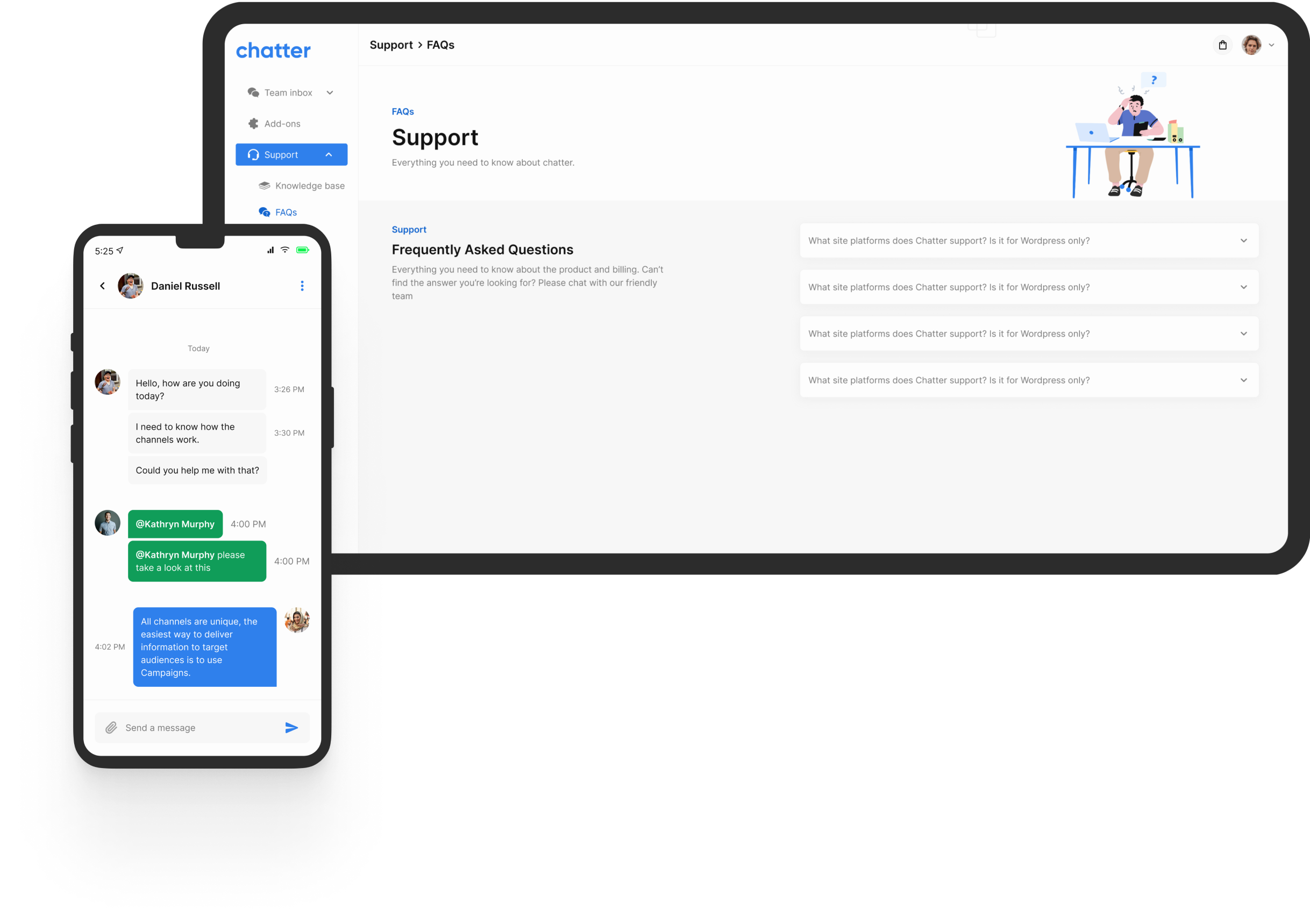
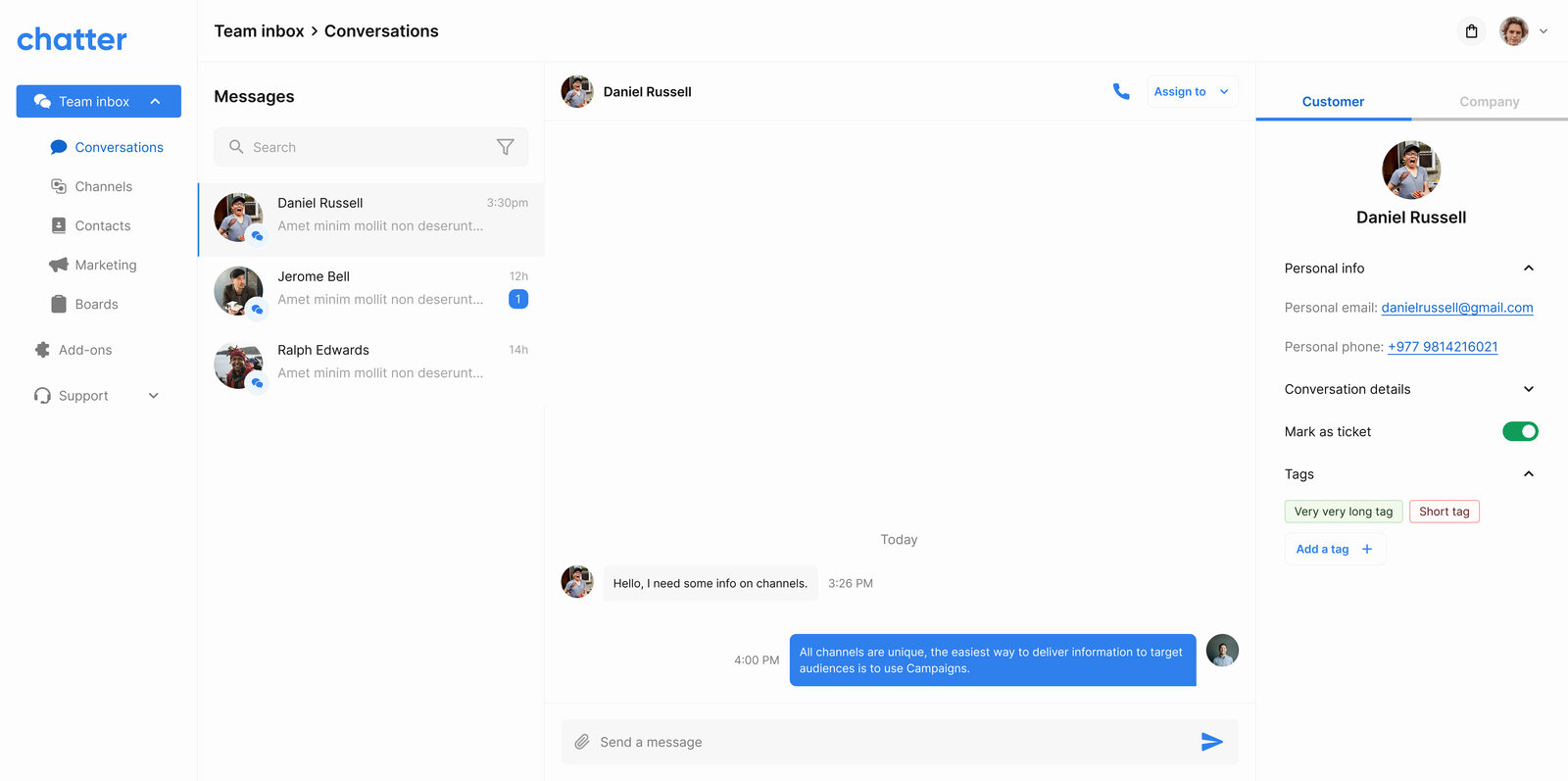
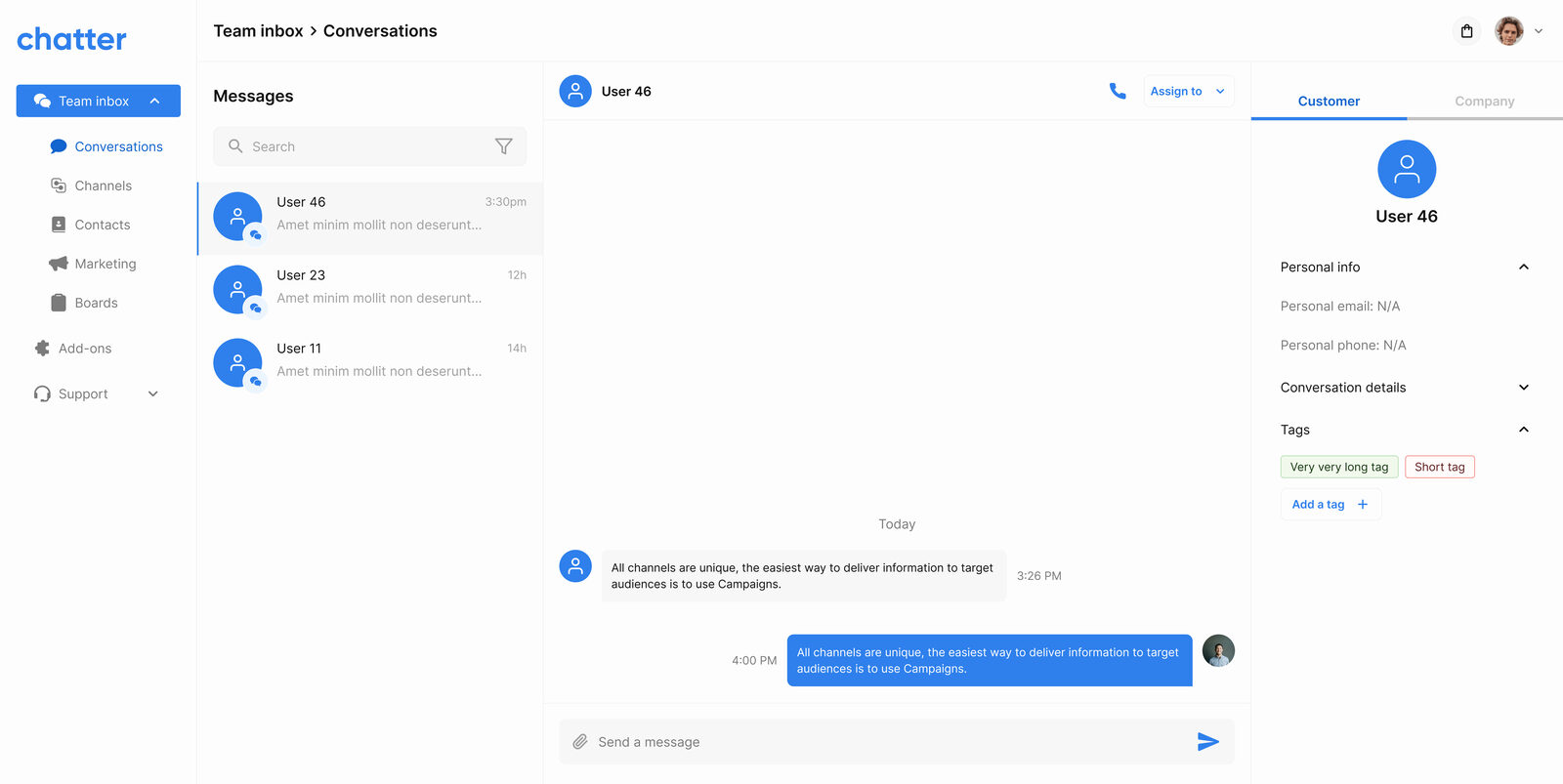
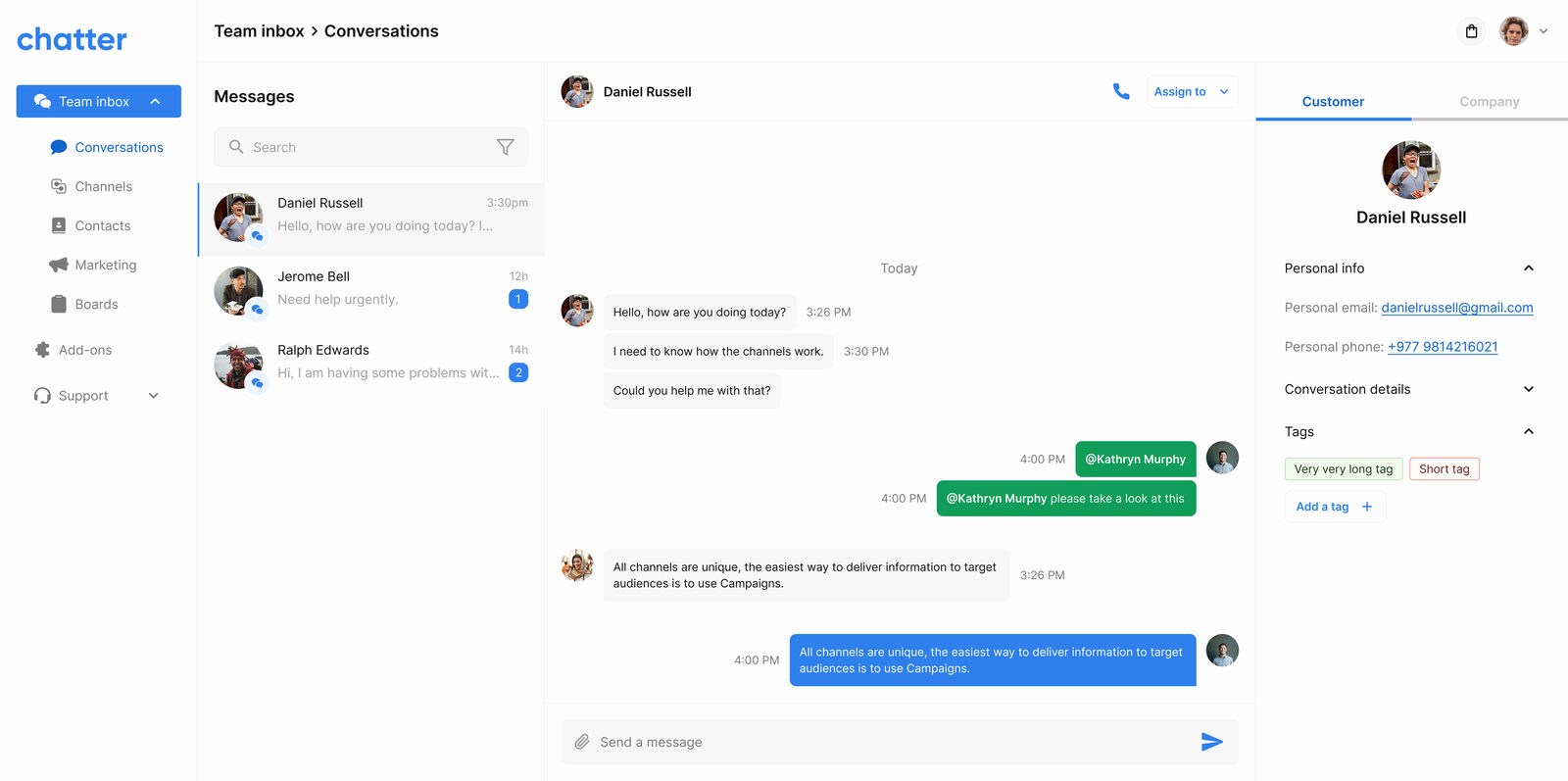
Instead of a separate contacts page agents would have to open, the customer's profile, tags and past conversations sit in a rail next to every thread. The agent answers with full context and never leaves the conversation.
One board, not two products
Sales pipelines and ops task lists looked like two features. In a small business they're run by the same person. One board surface handles both, so the owner learns one tool, and any conversation can become a card.
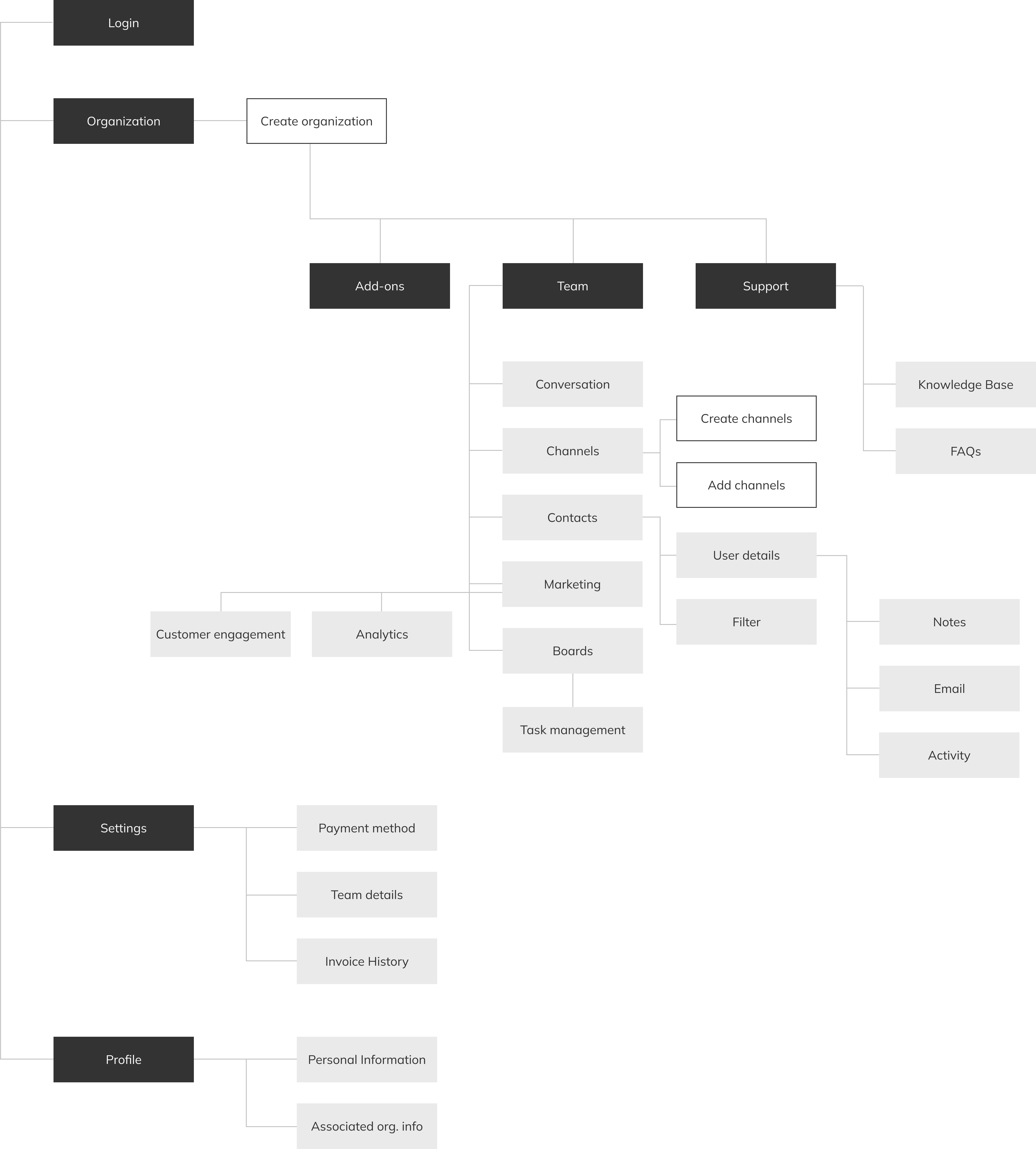
Sitemap and flow
With no incumbent product to react against, I had to define the information architecture from first principles. The sitemap below shows how the four phases map onto the navigation an agent sees inside the web panel, with the embeddable widget hanging off the support module on the customer-facing side.
The marketing surface
Before the product, the landing page. Chatter sold itself on three things: an open alternative to expensive global tools, a complete CRM under one roof, and pricing in the right currency. The site lays those out in order, services, social proof, pricing, get-started.
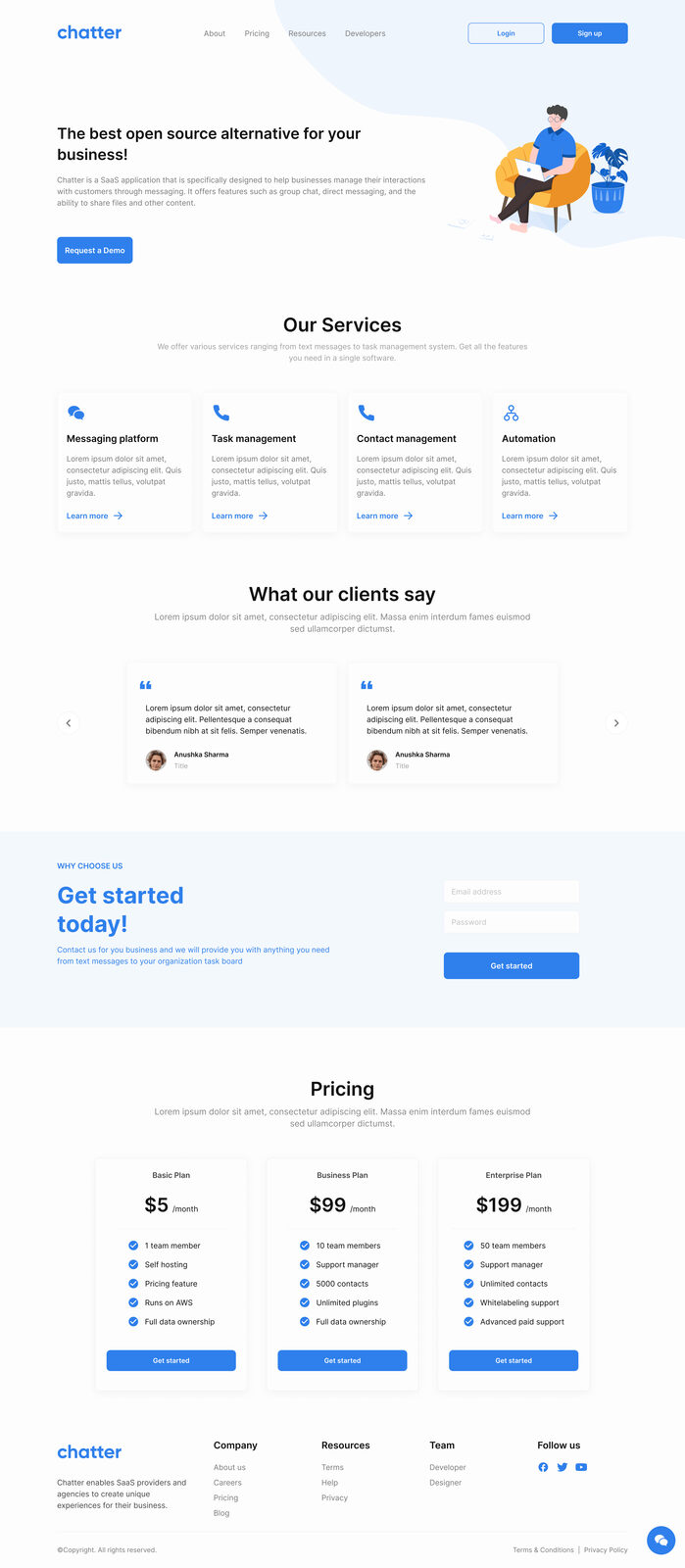
Landing page (1440px), services, social proof, pricing.
Designs by phase
Below are the designs grouped by the same four phases the build was scoped into. Each block opens with the user problem the screens were resolving, then shows the designs that answered back.
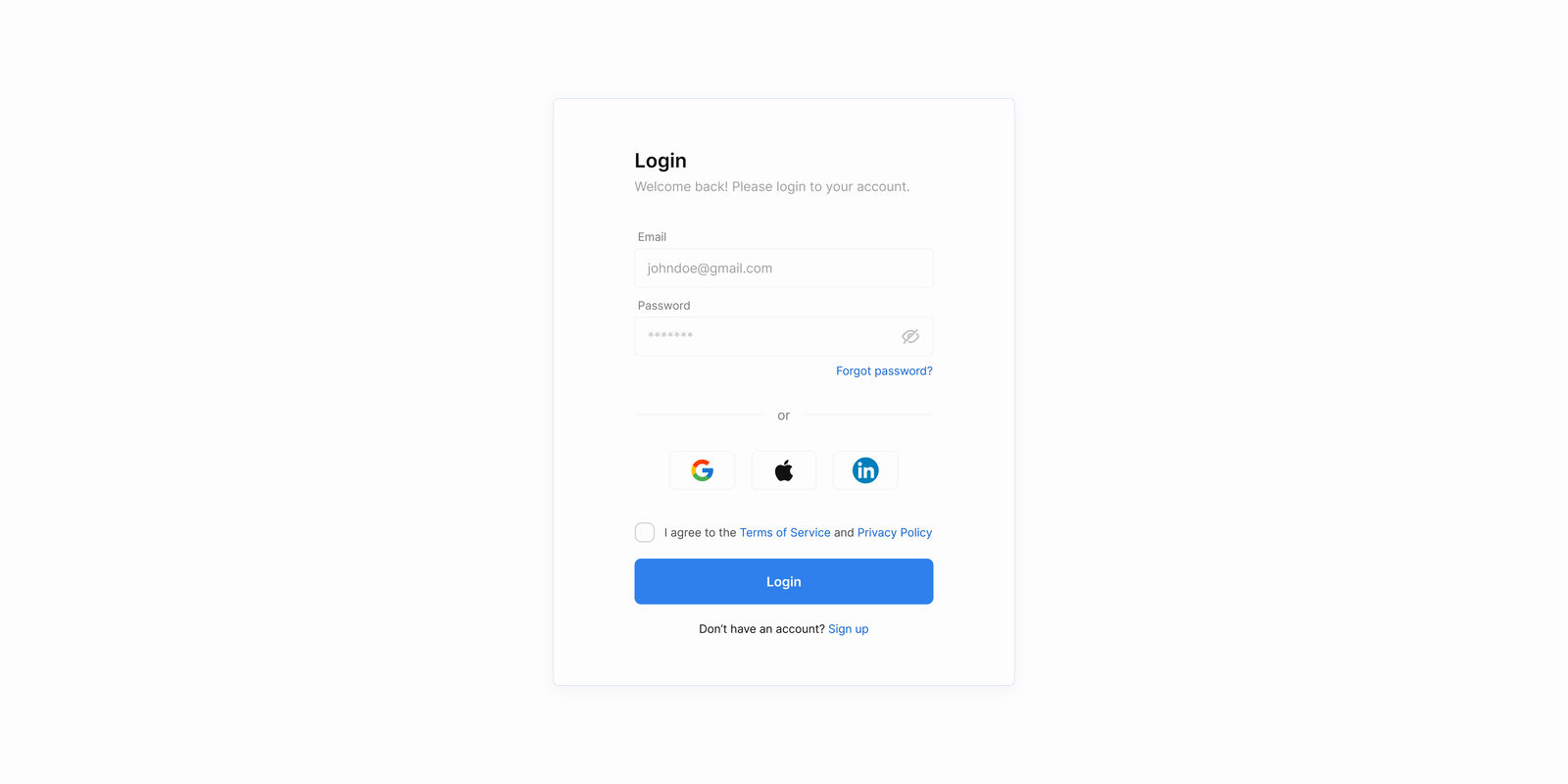
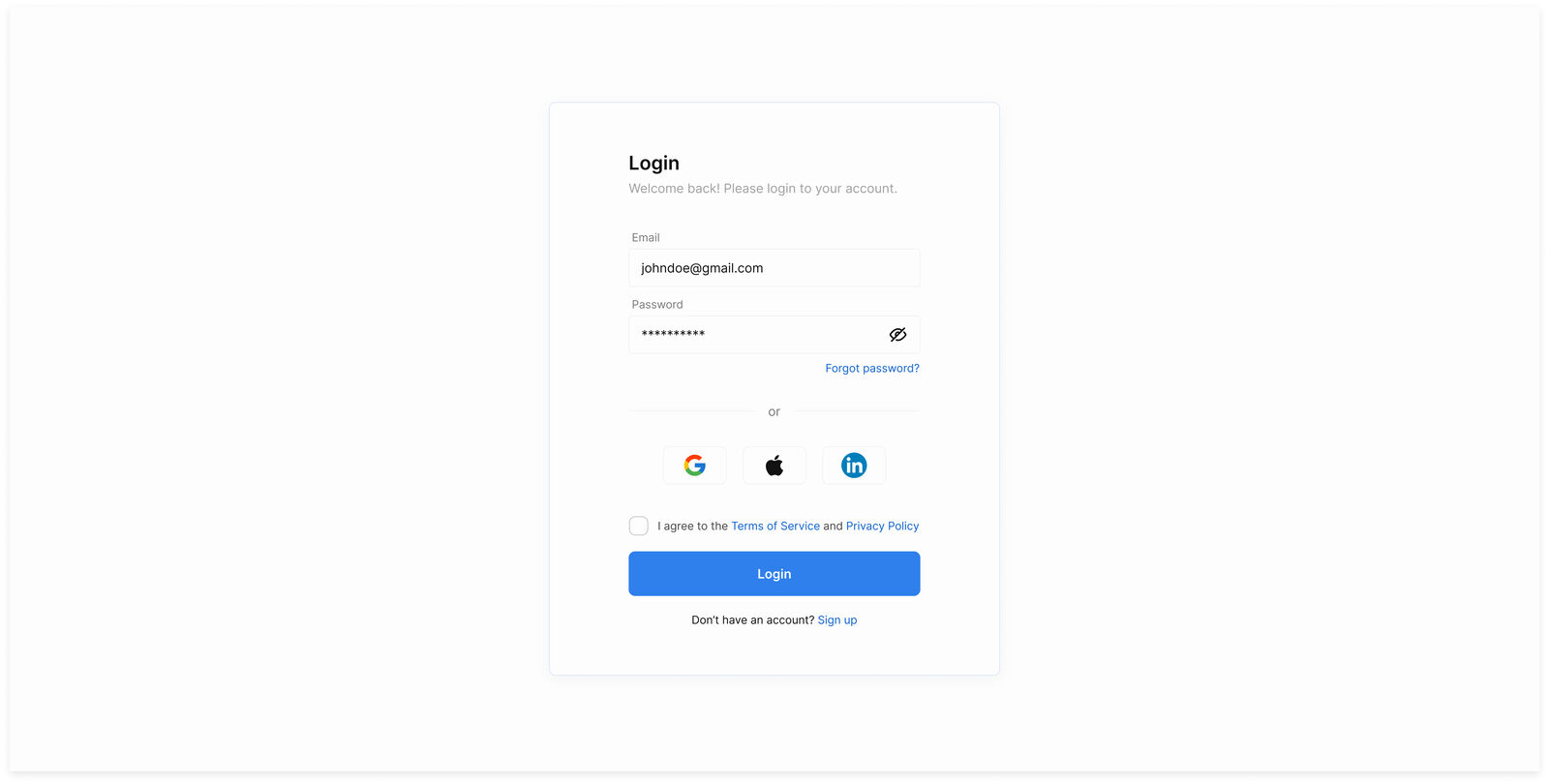
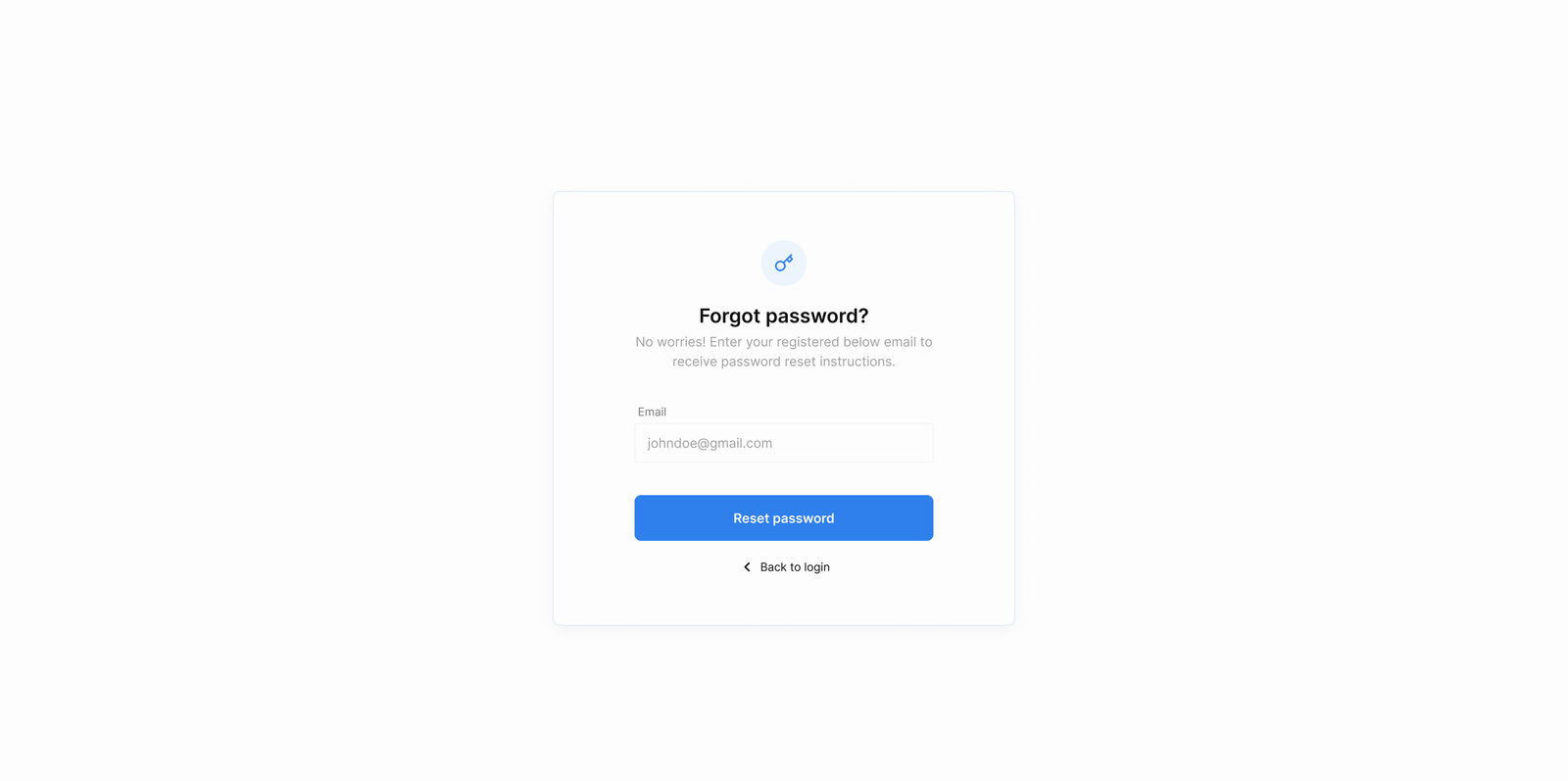
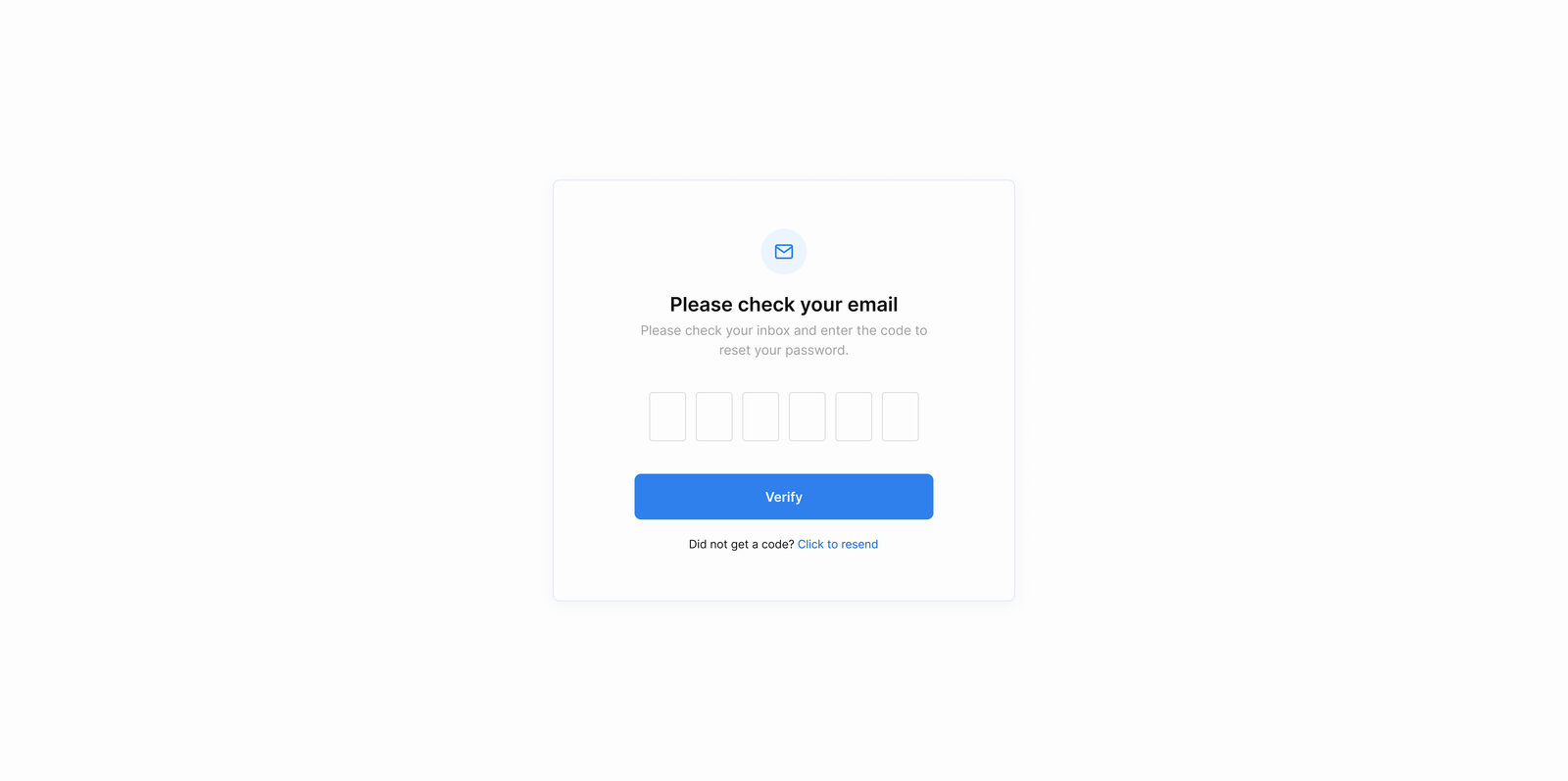
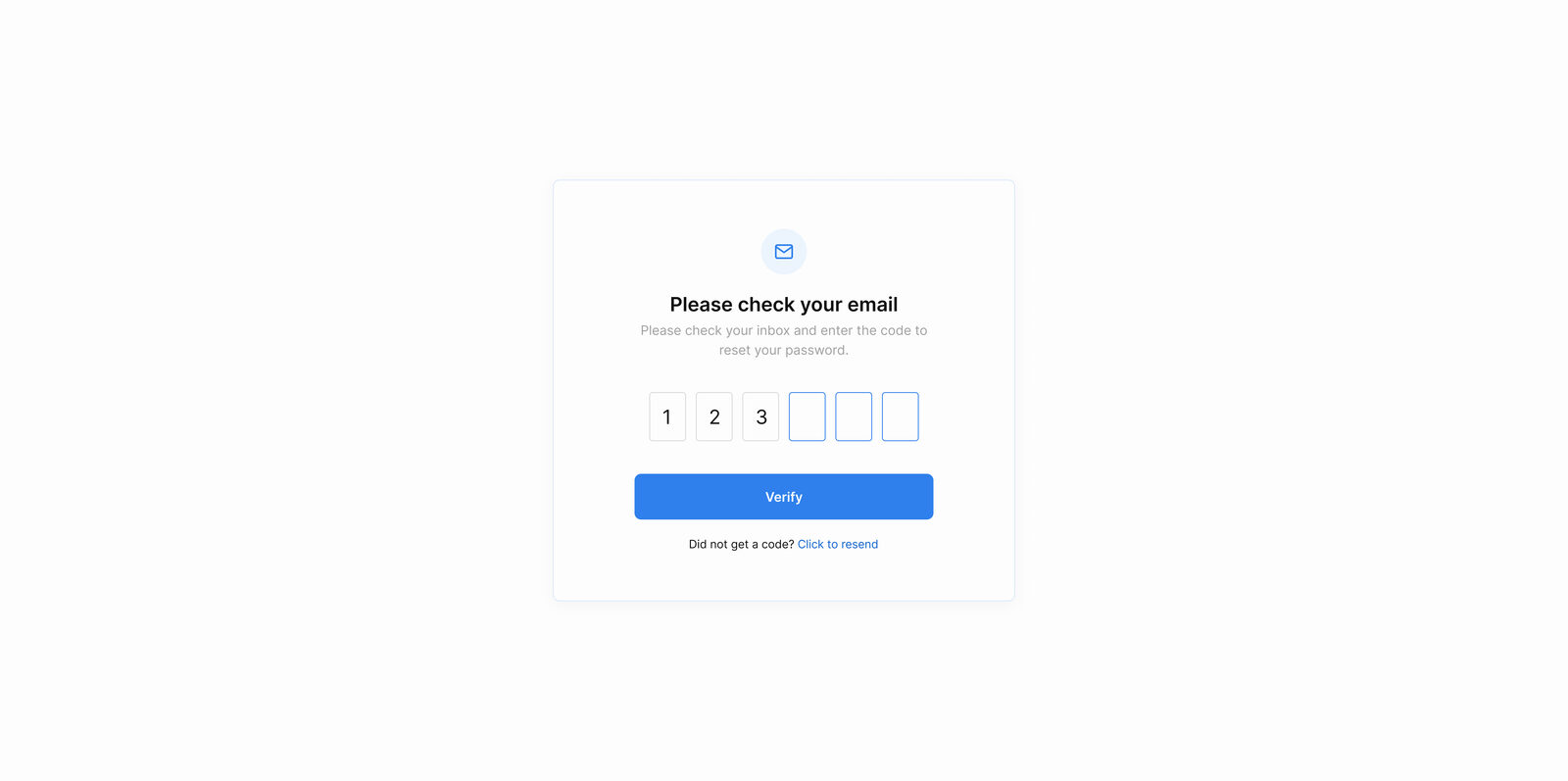
Onboarding & auth
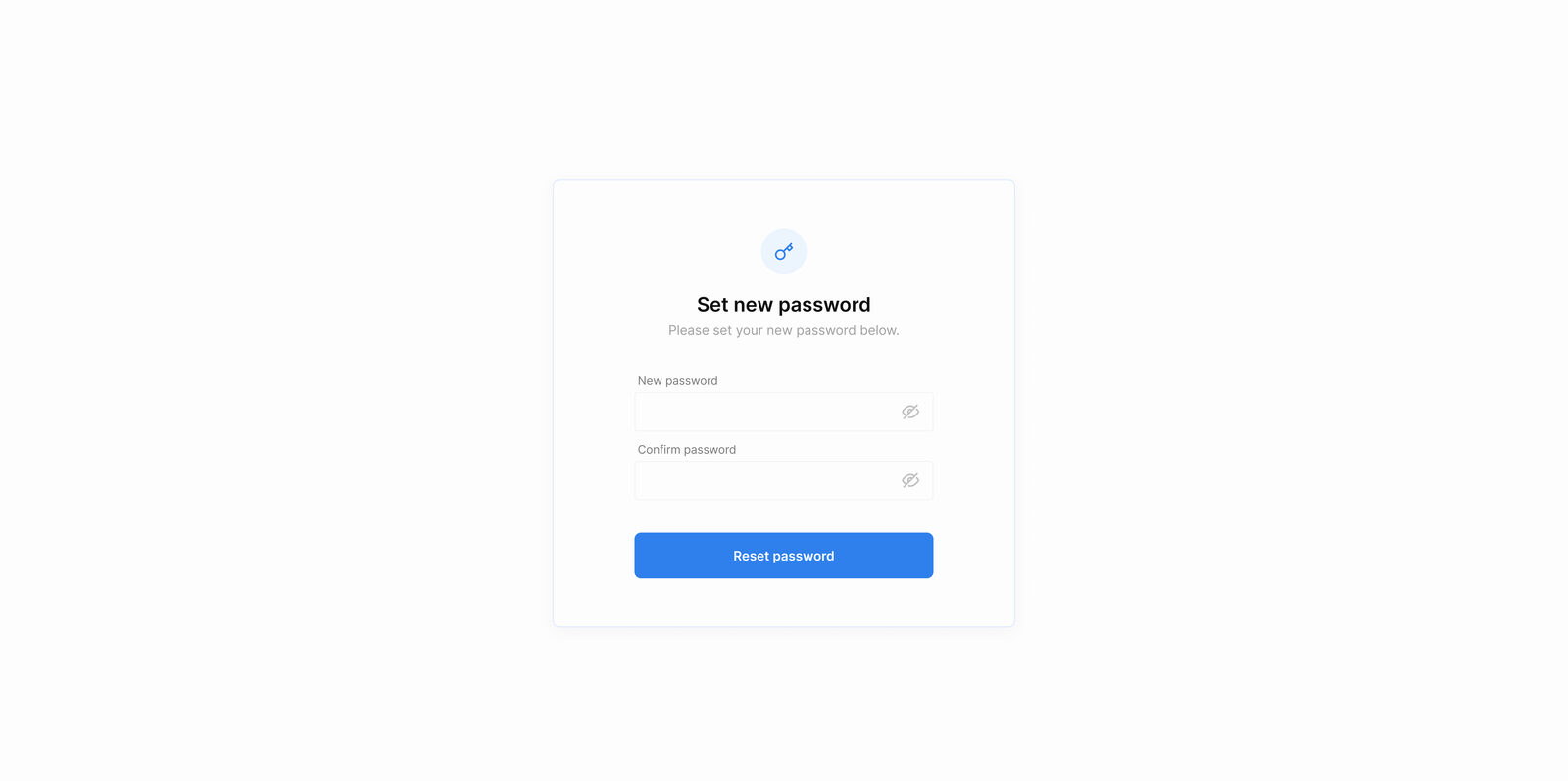
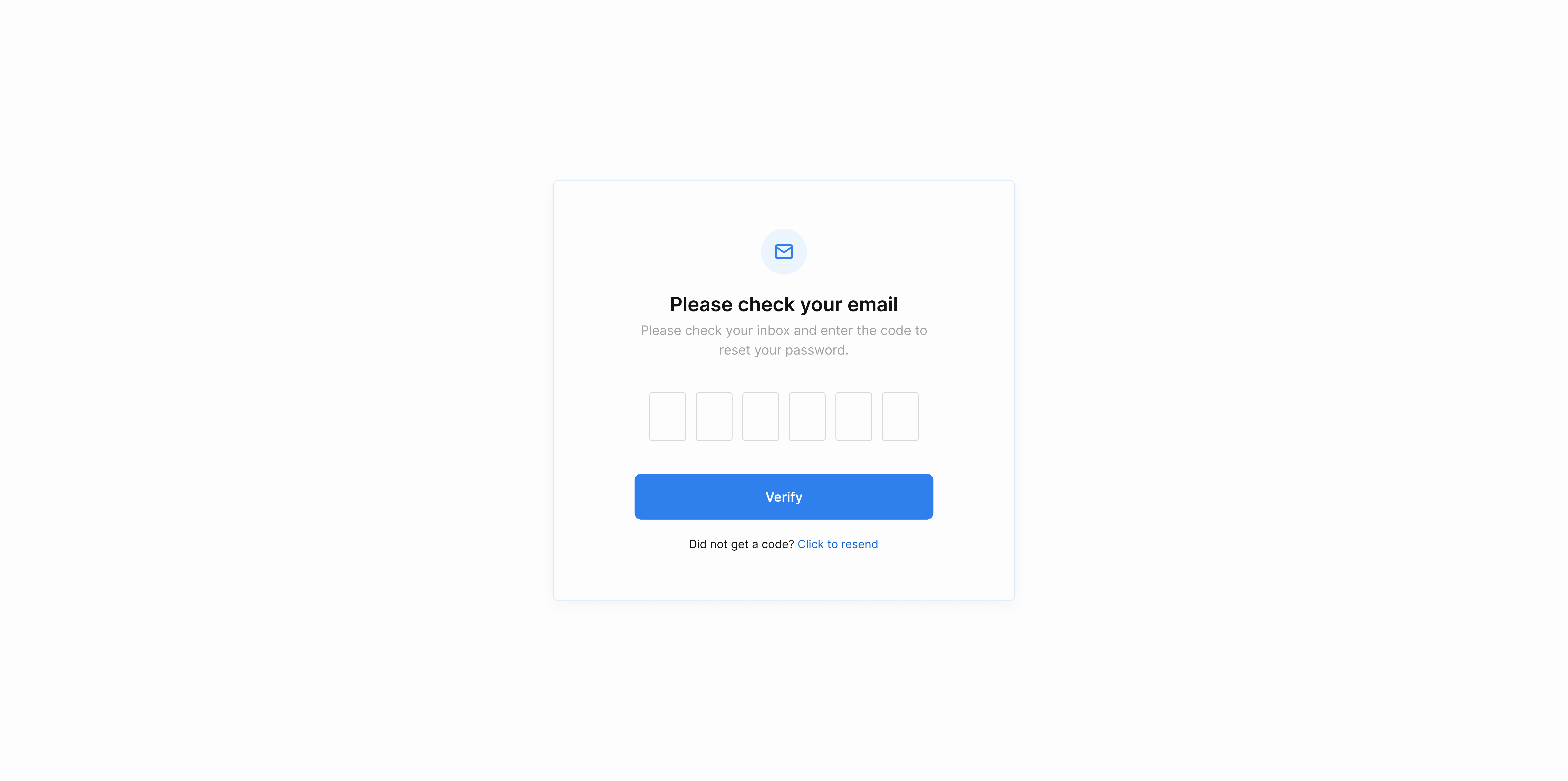
A new SMB owner shouldn't need an IT team to start. Single-tap social sign-in, a recoverable password flow, and email verification, every step is one decision wide.
First-run: create a workspace
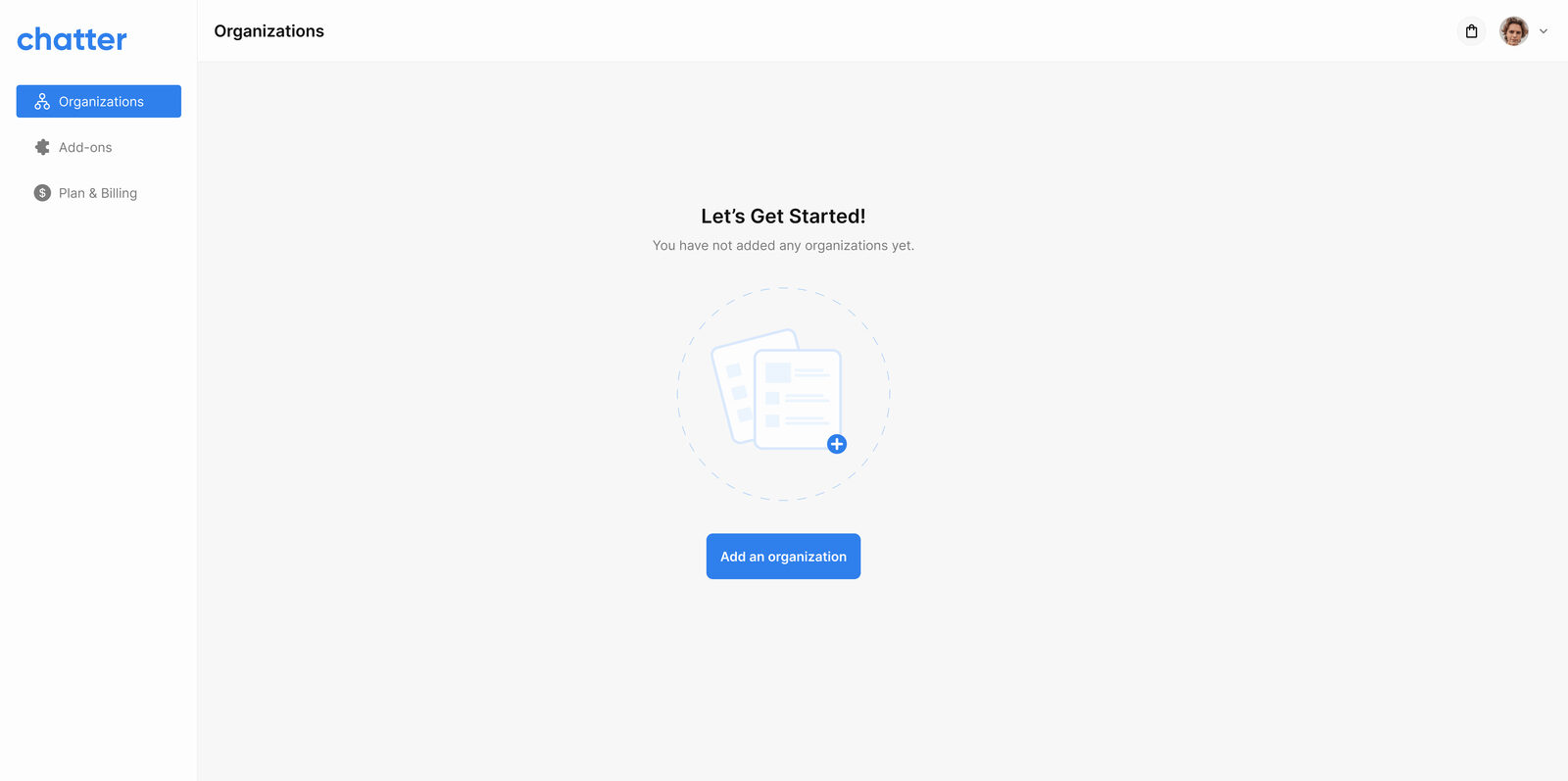
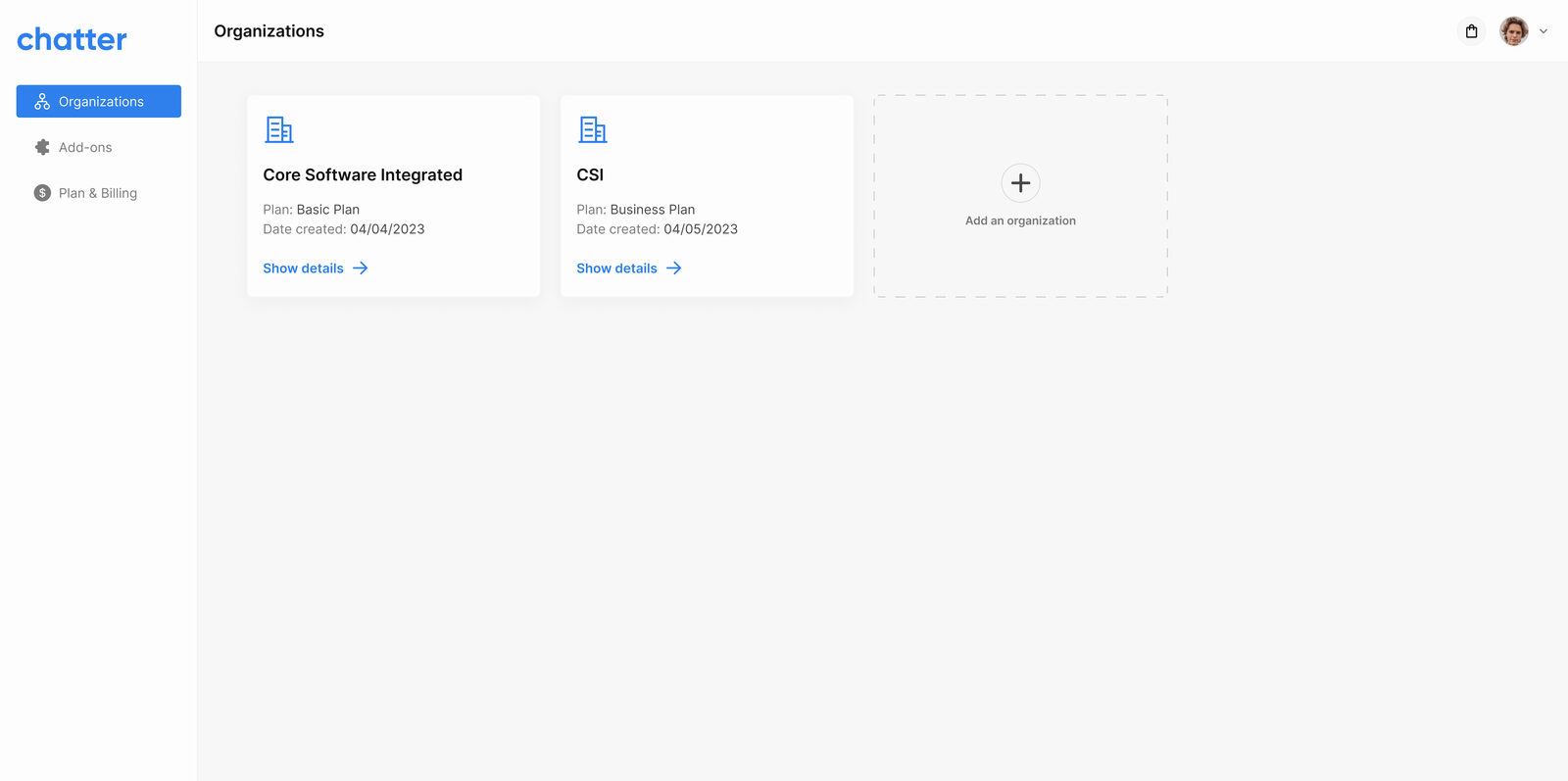
Chatter is multi-tenant, so the first thing a new user does is create an organisation. The empty state explains what a workspace is for; the create flow gathers the minimum needed to spin one up.
Phase 1, Team inbox
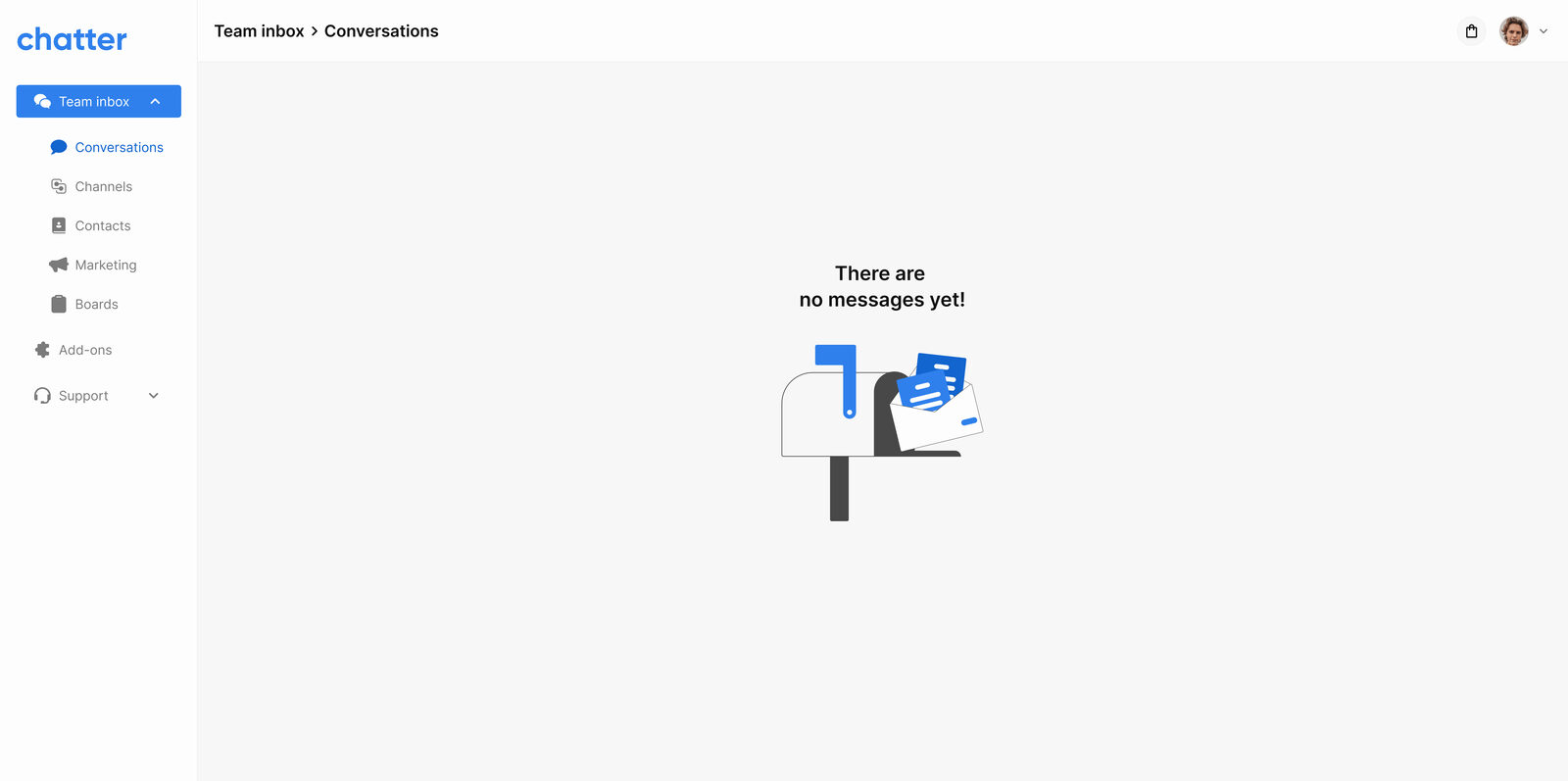
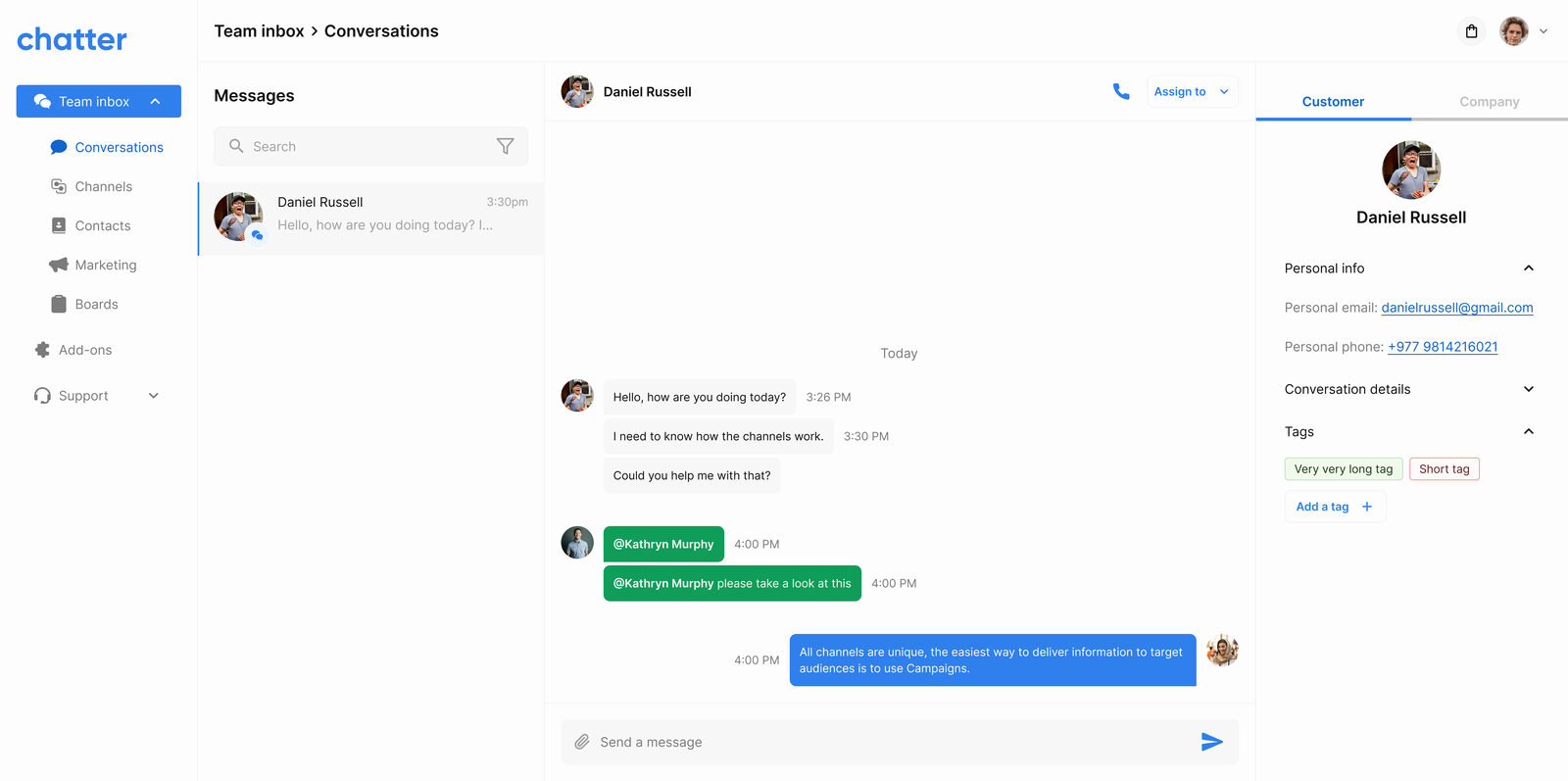
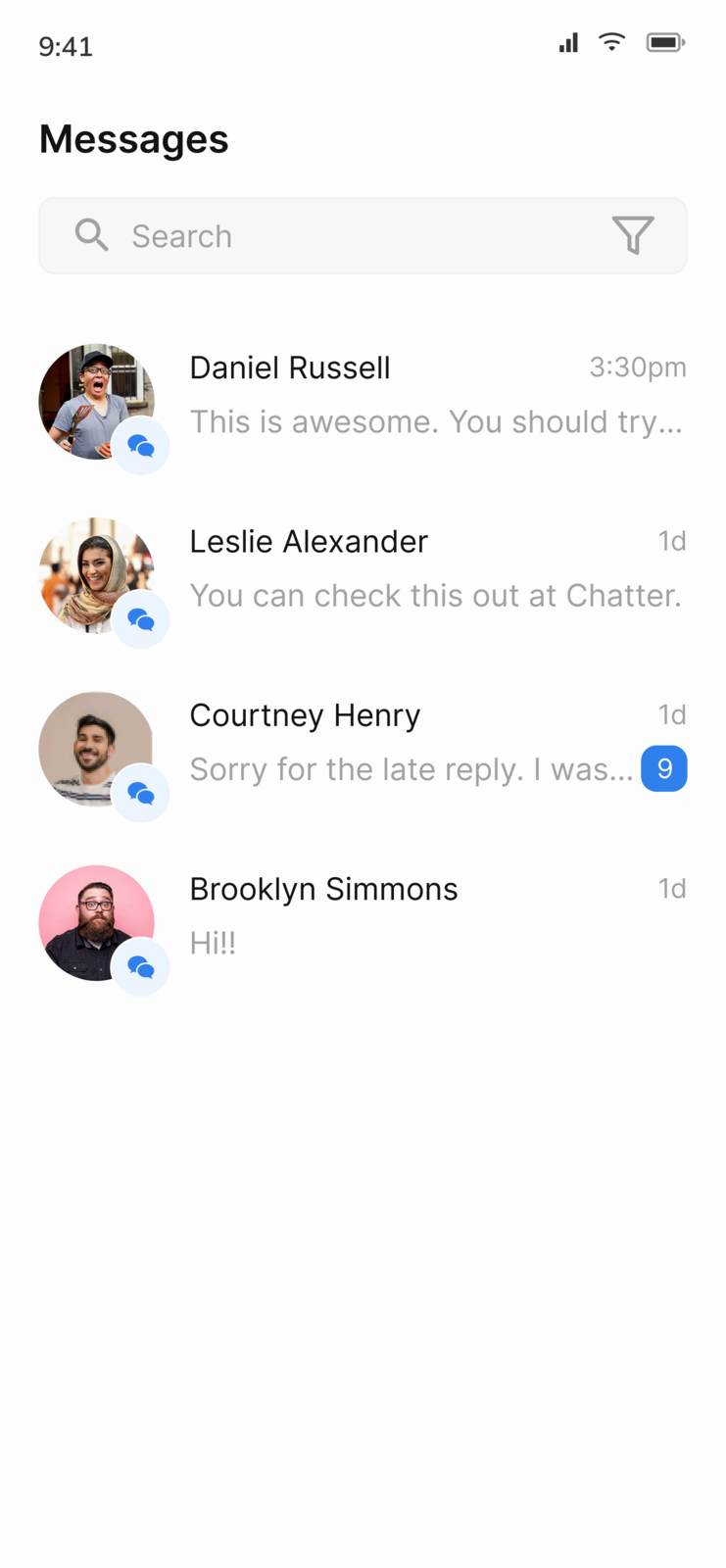
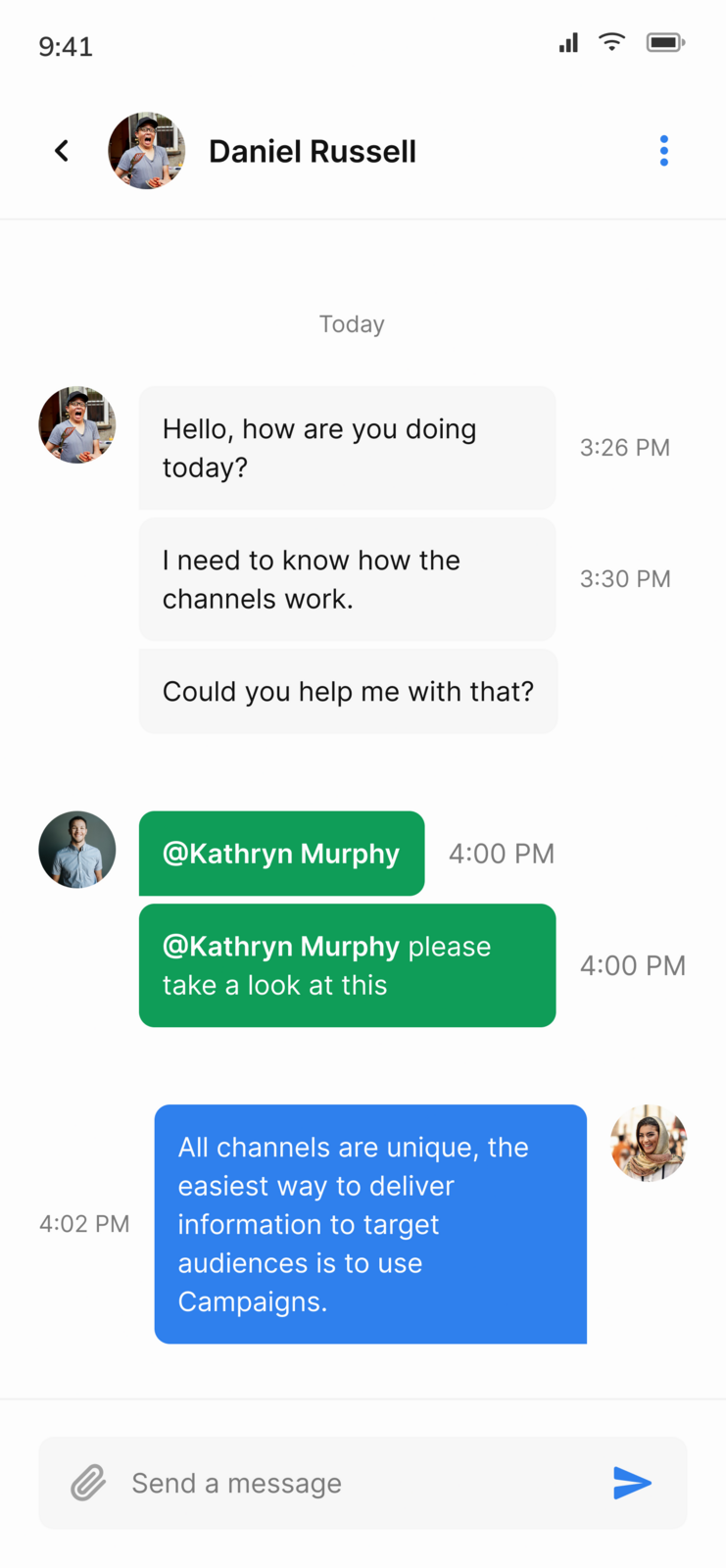
The core of the product: a shared inbox where every channel lands. Agents see the conversation list, the active thread, and the customer's right-rail profile side-by-side, with mark-as-ticket, assignment, tags, and call escalation inline. Internal team chat hangs off the same shell.
Phase 1, Channel integrations
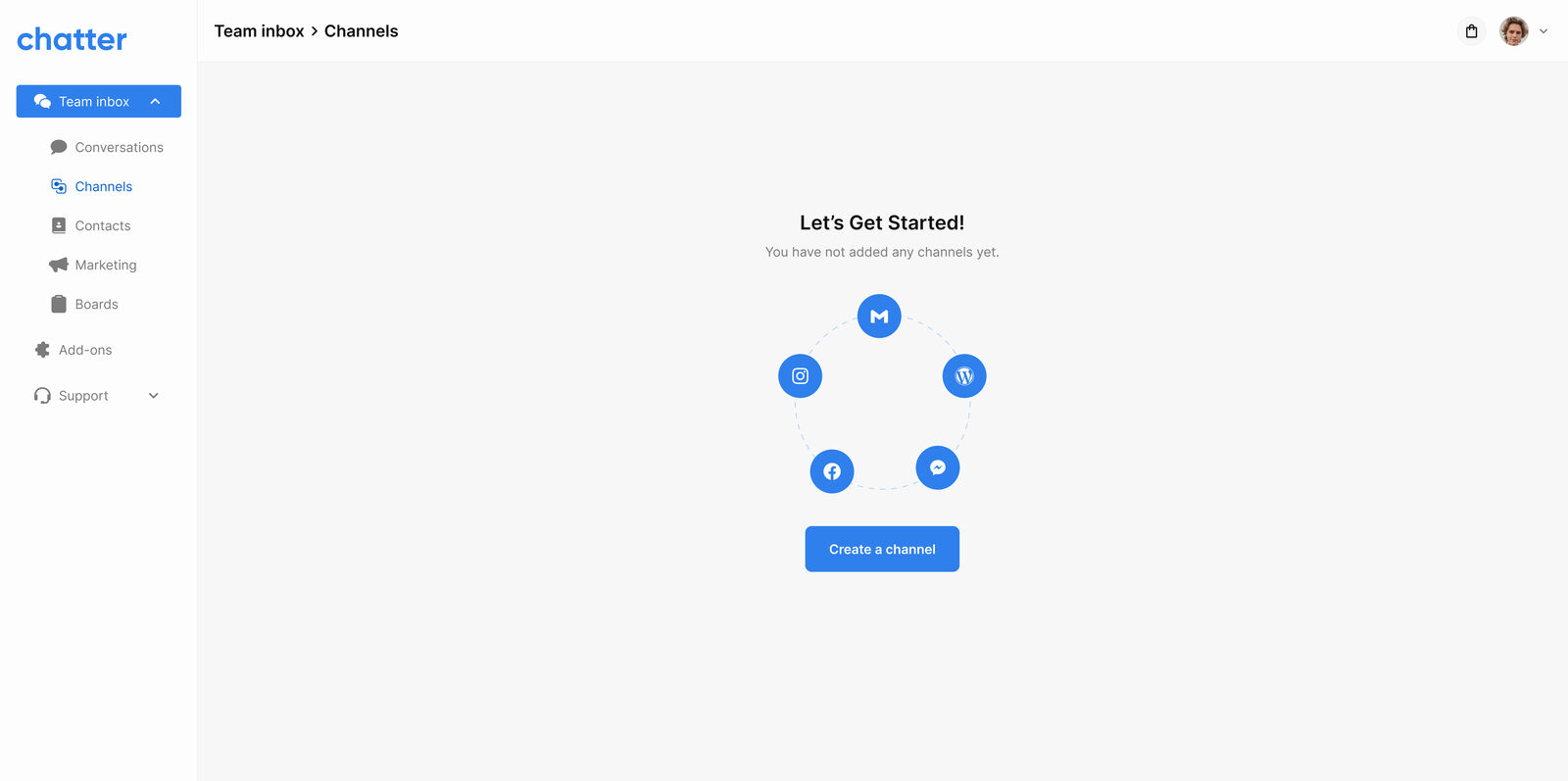
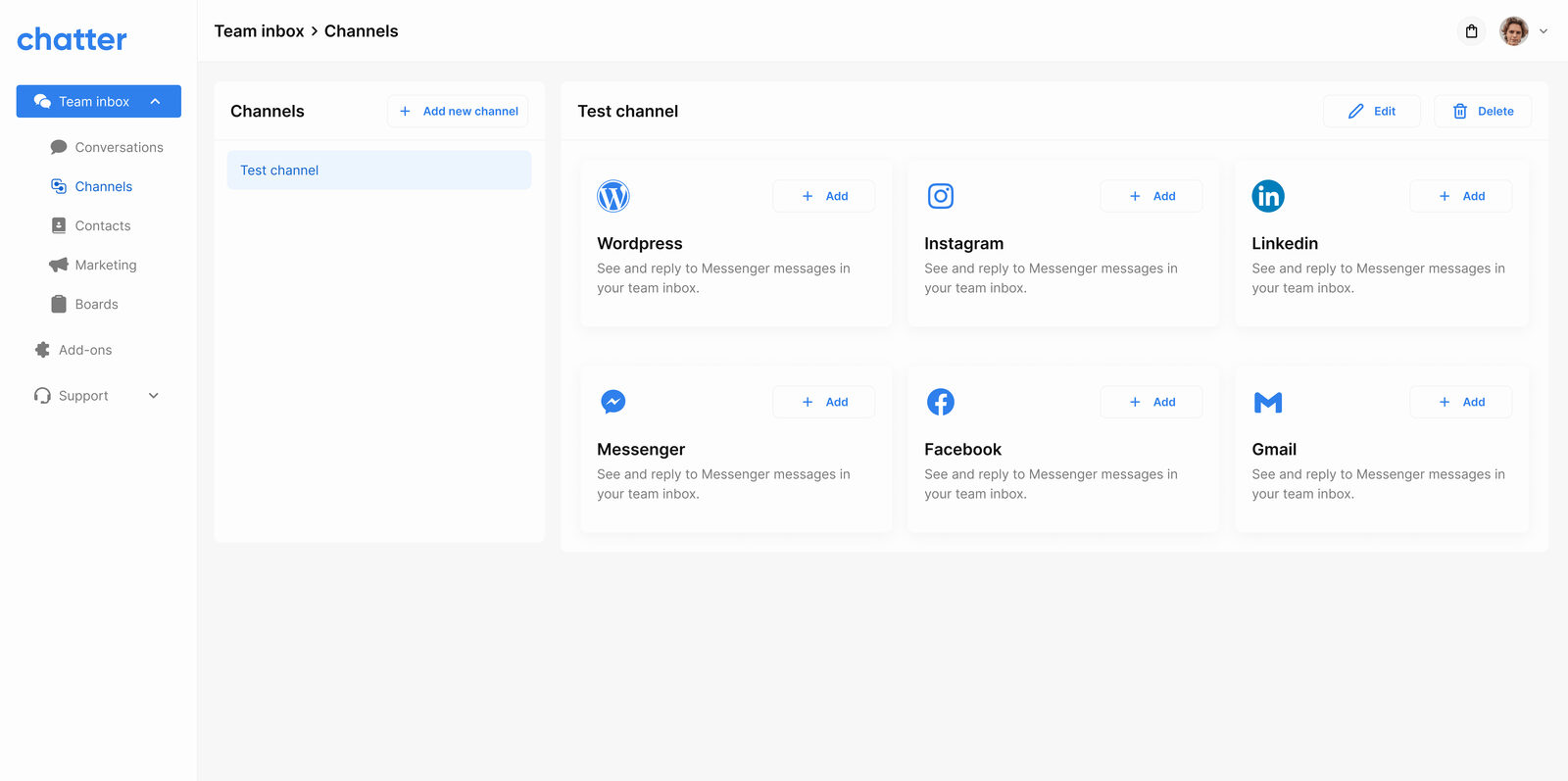
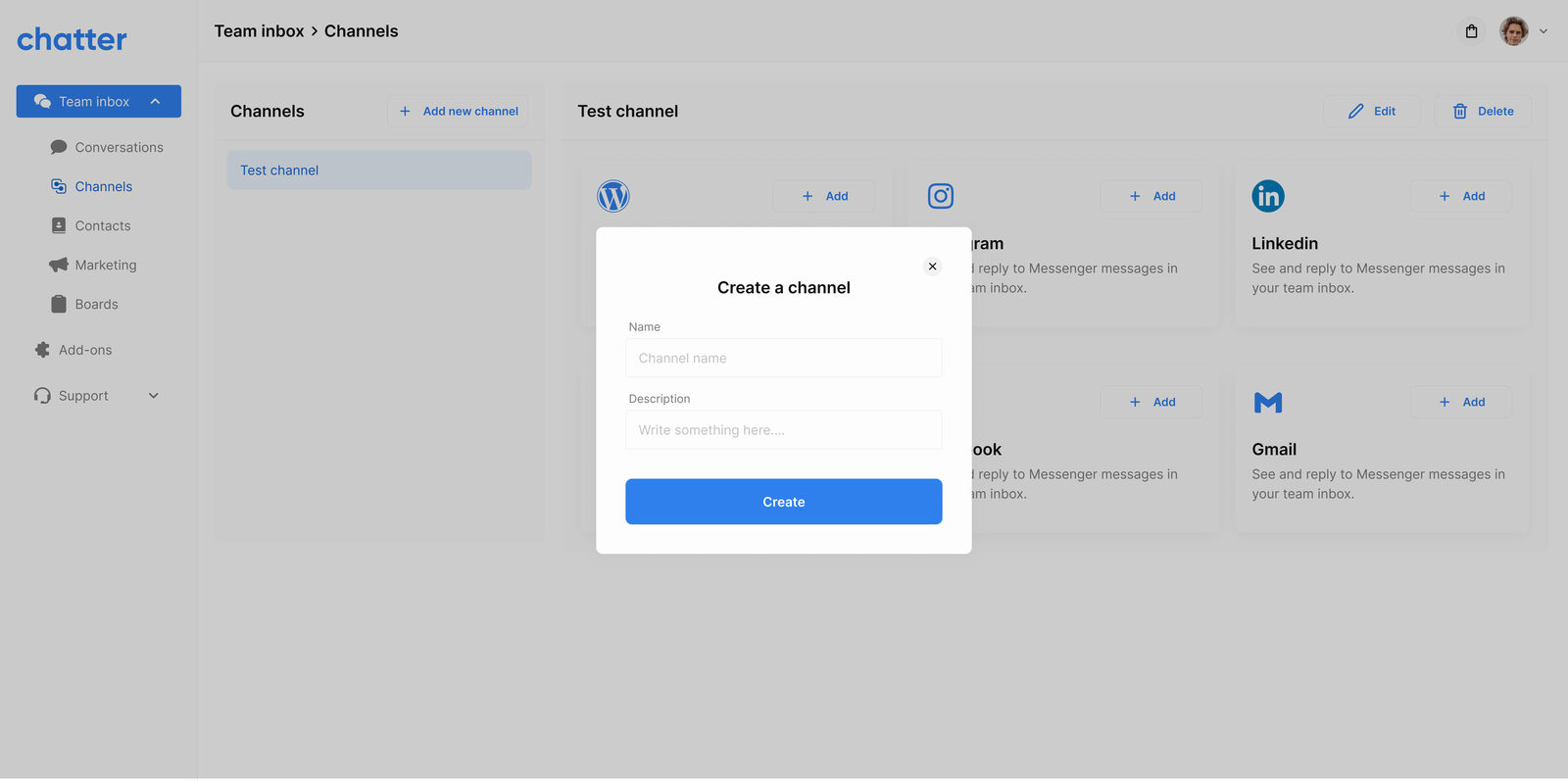
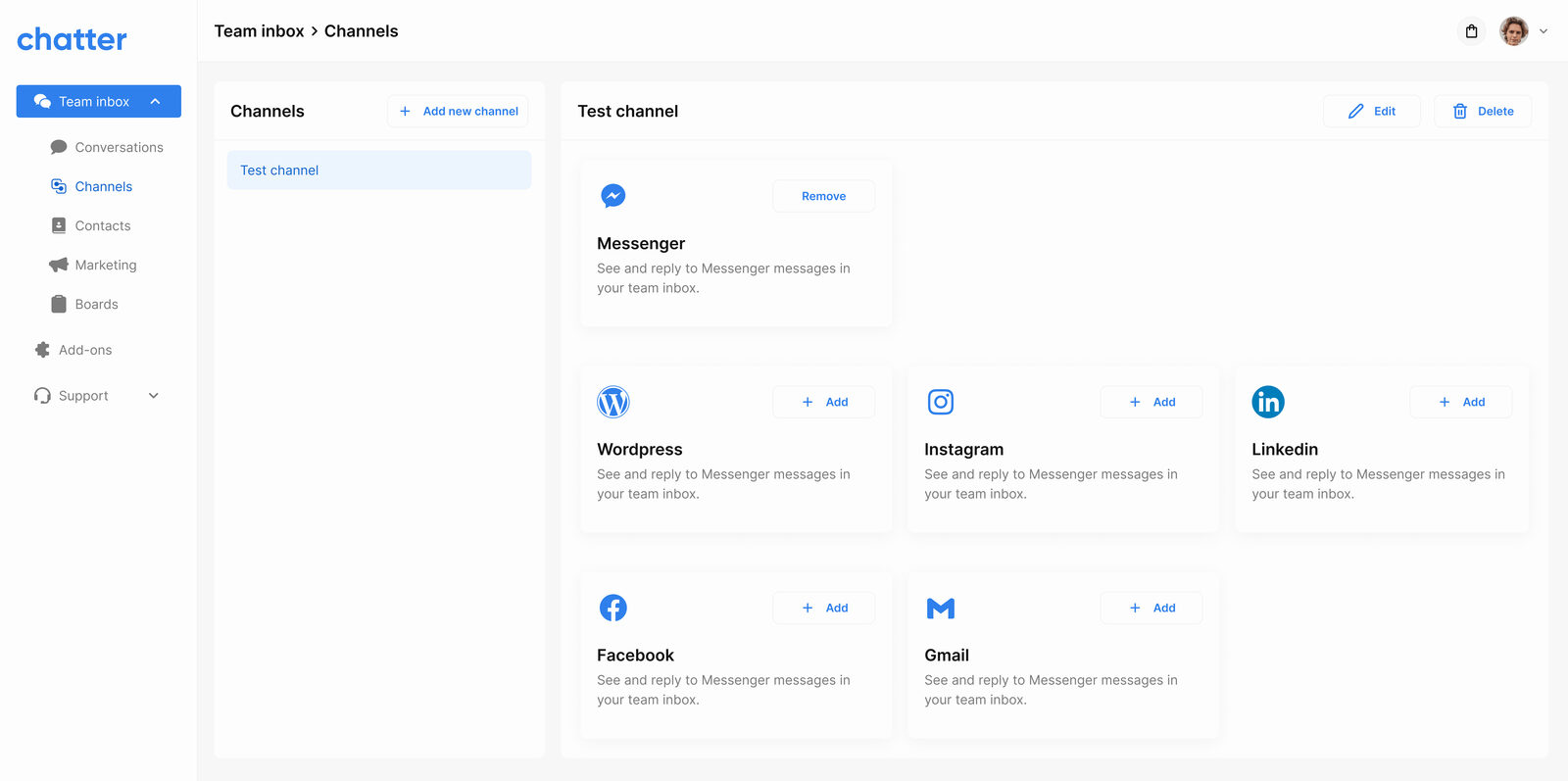
Each external channel (Messenger, WhatsApp, Viber, web widget) has its own empty-state setup screen that walks the SMB owner through connecting their account, no engineering required.
Phase 1, Knowledge base & FAQs
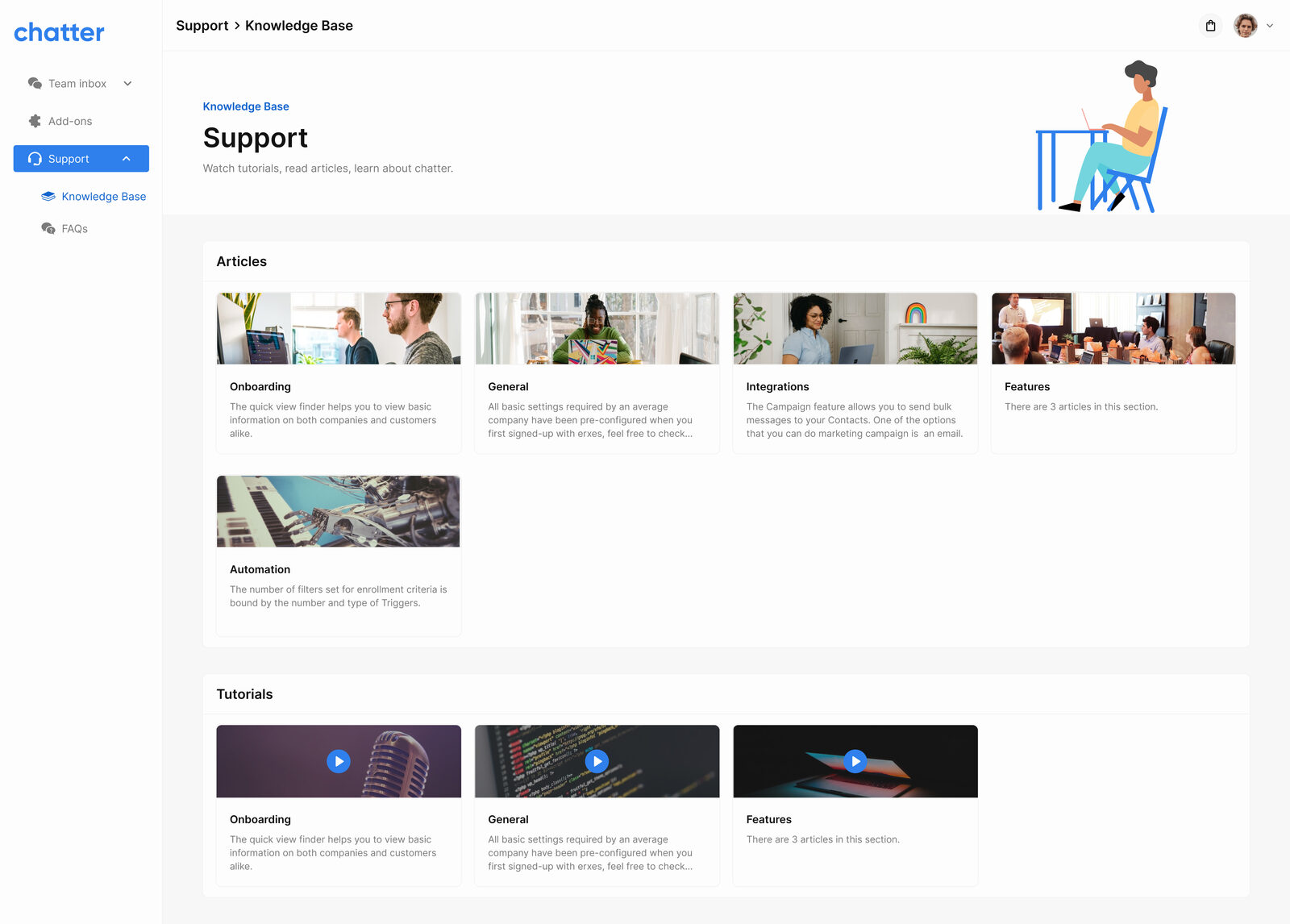
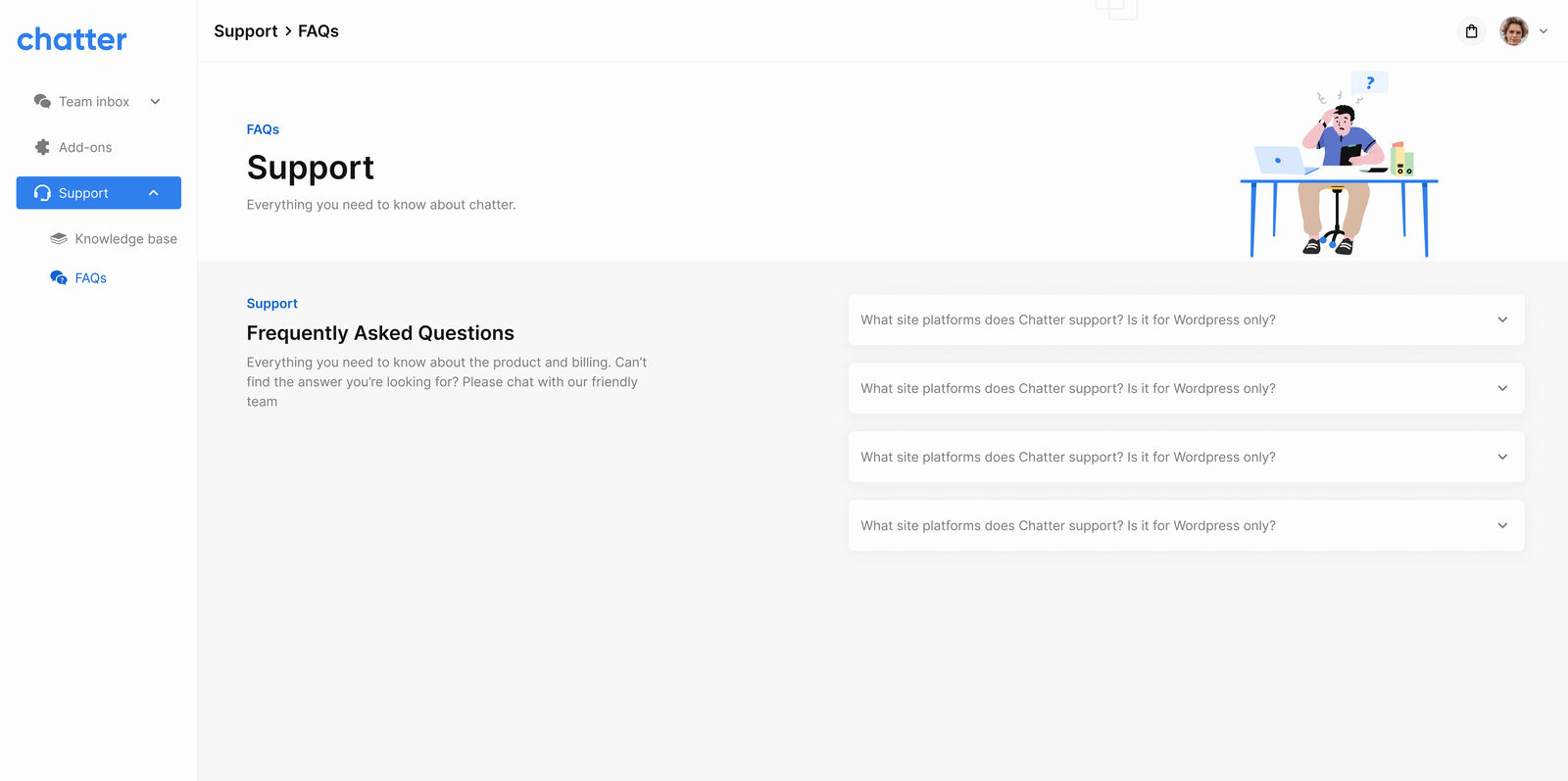
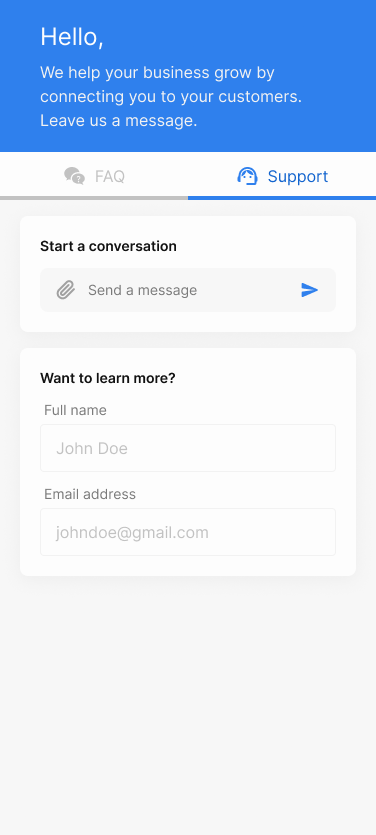
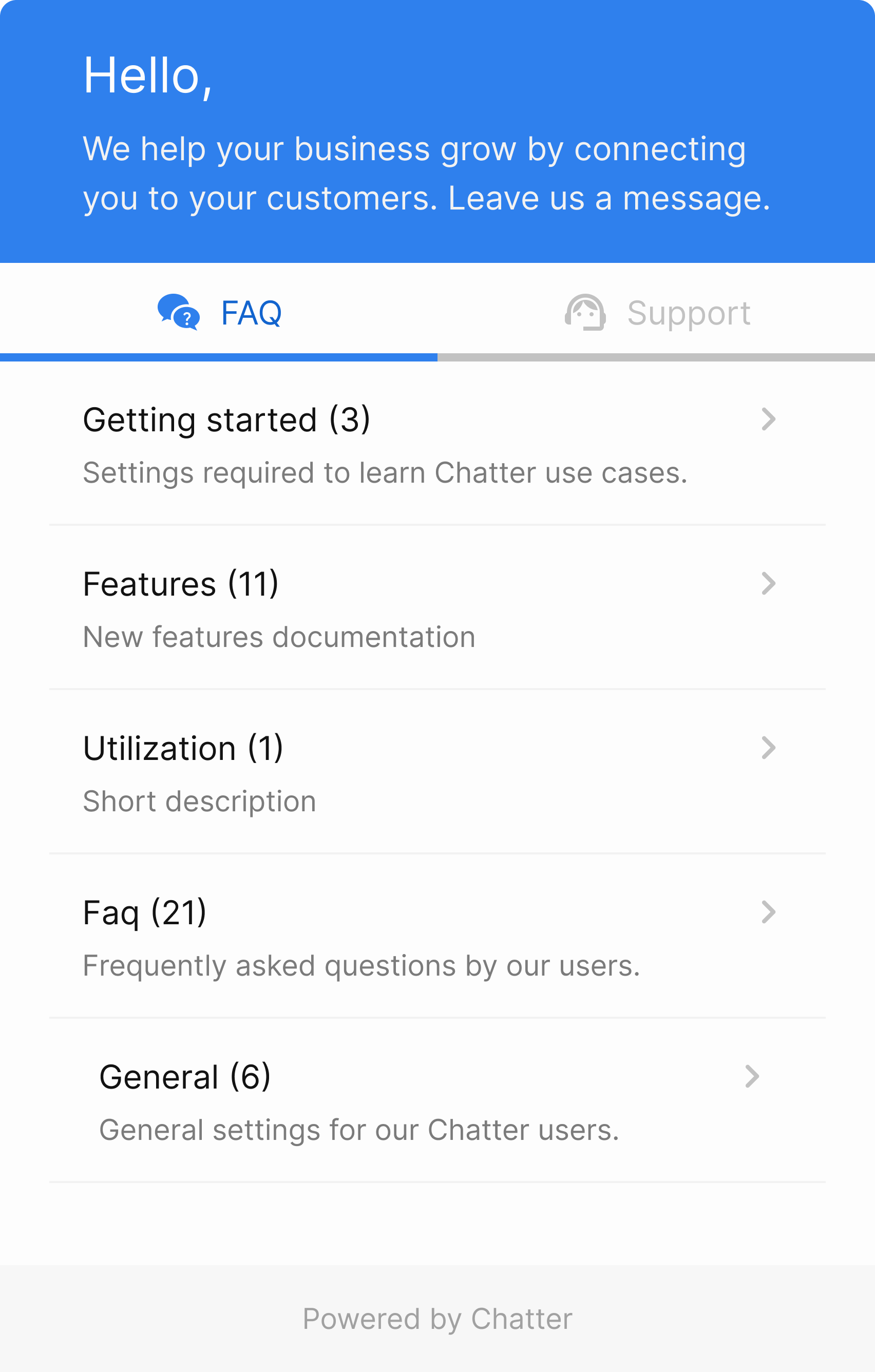
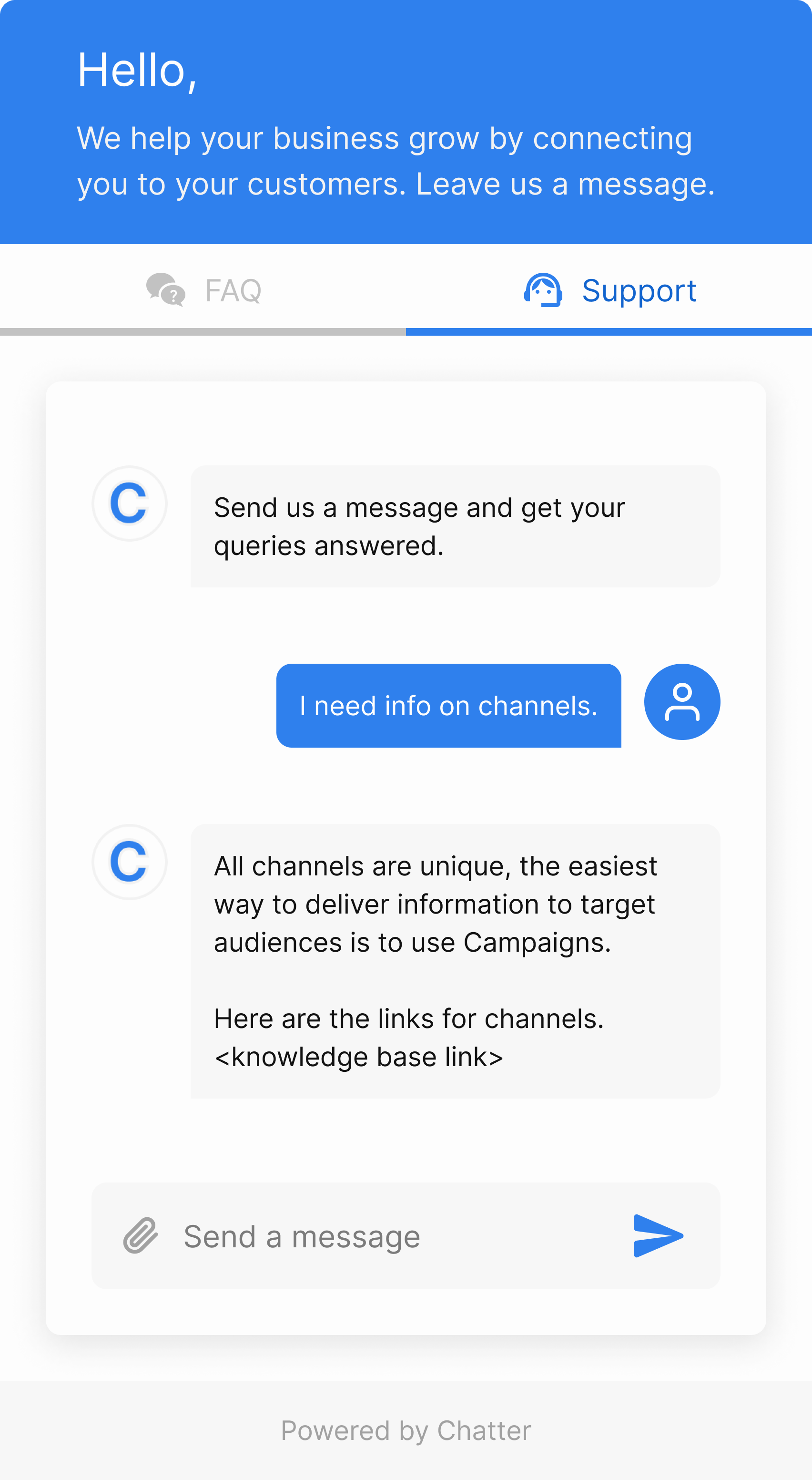
Half the support volume in any SMB is repeat questions. The knowledge base lets the team write articles and tutorials, organise them by topic, and surface them inside the embeddable widget as self-serve FAQs, cutting the inbox load before a conversation even starts.
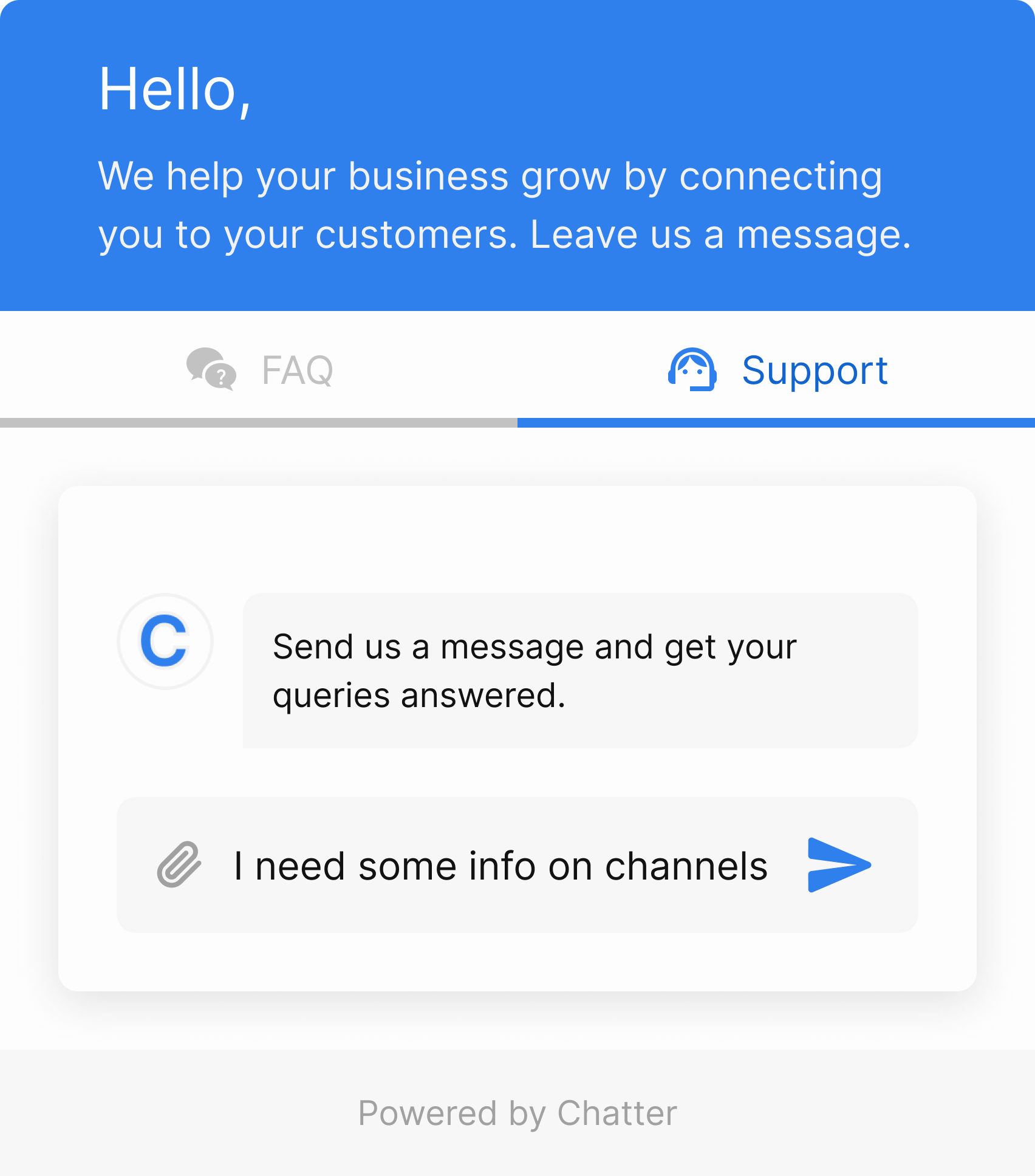
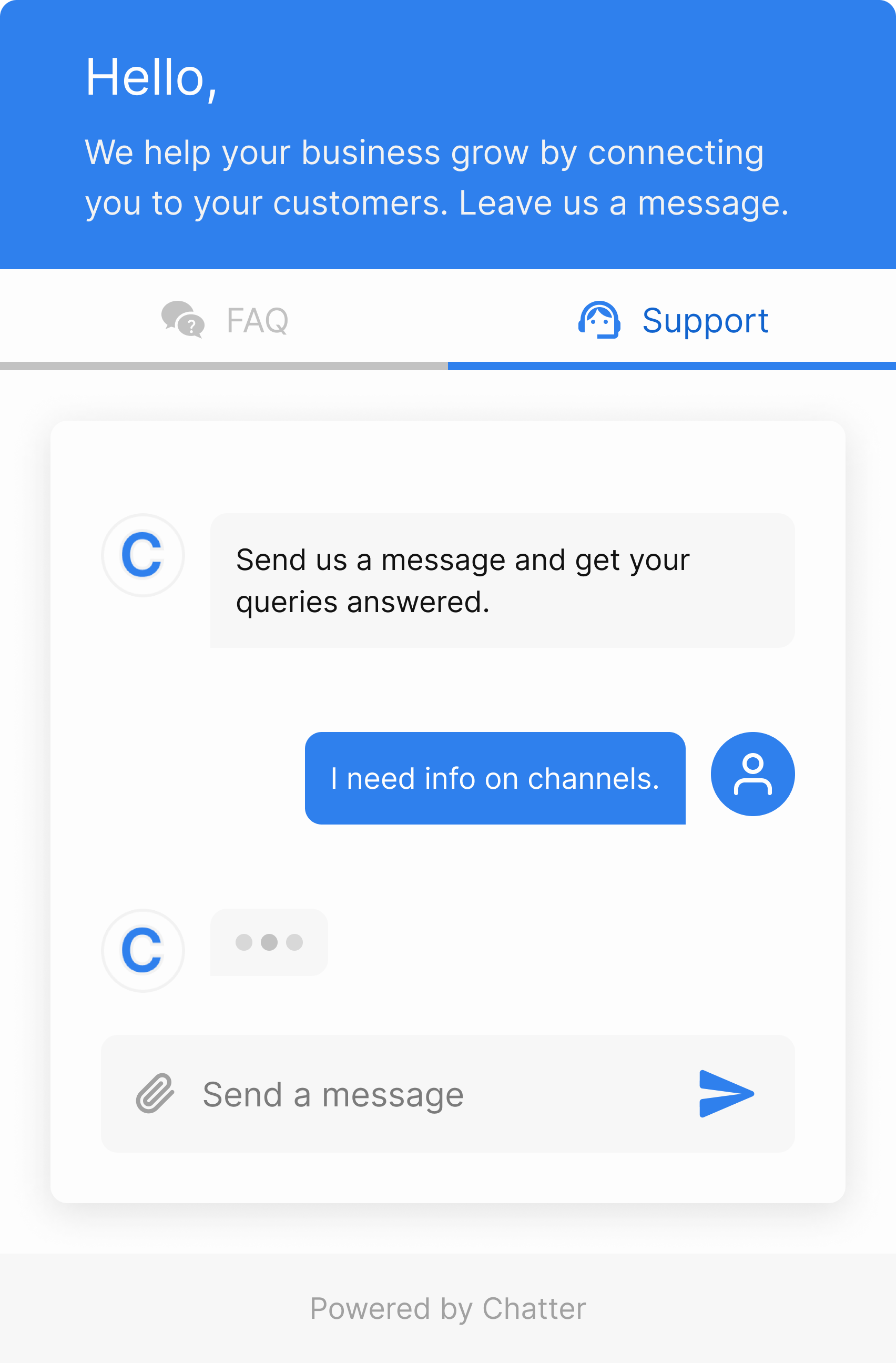
The embeddable widget itself ships in multiple variants, FAQ-first, direct-to-agent, and color-themed for different host sites, designed to feel native to whatever site it lands on.
Phase 2, Marketing & analytics
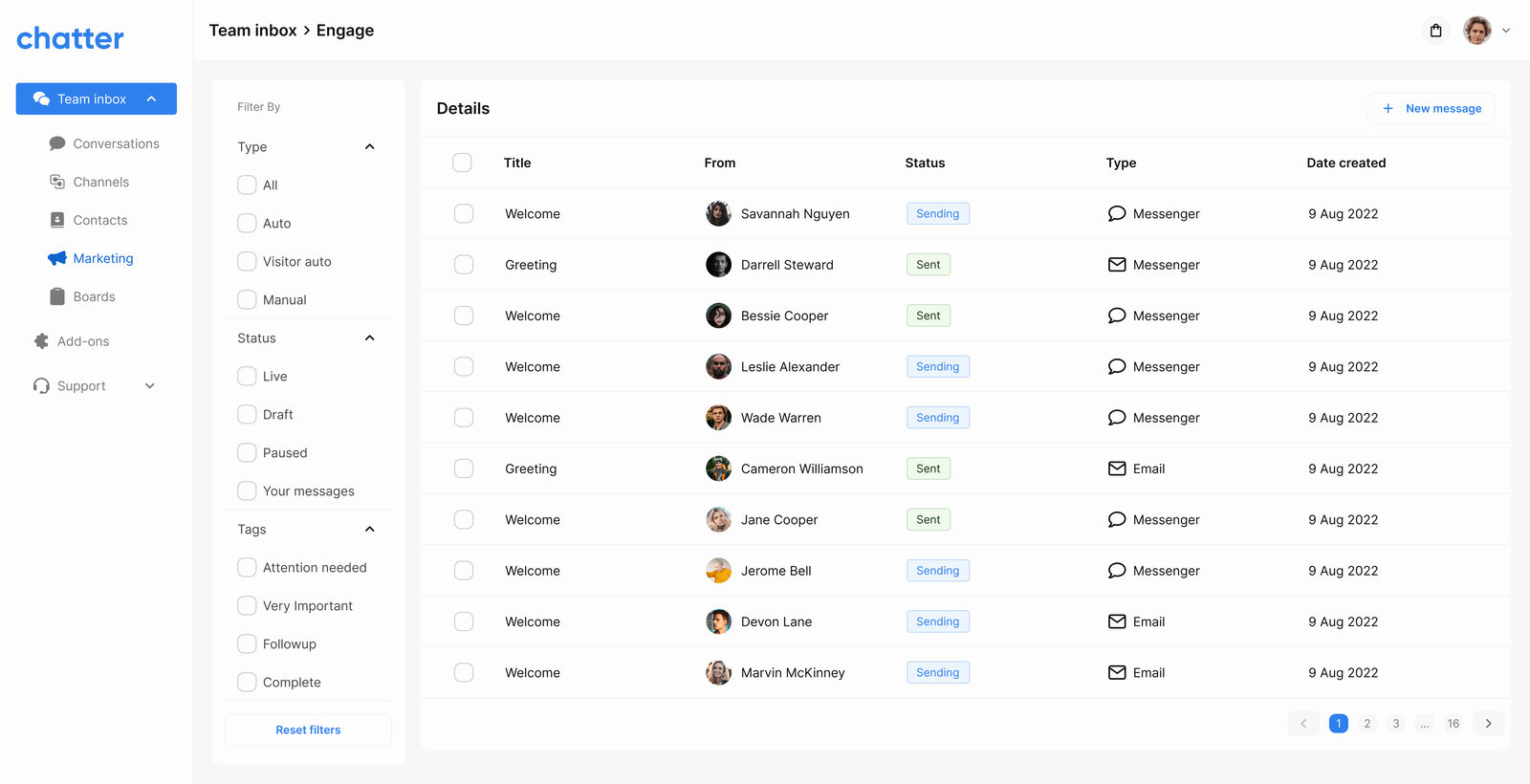
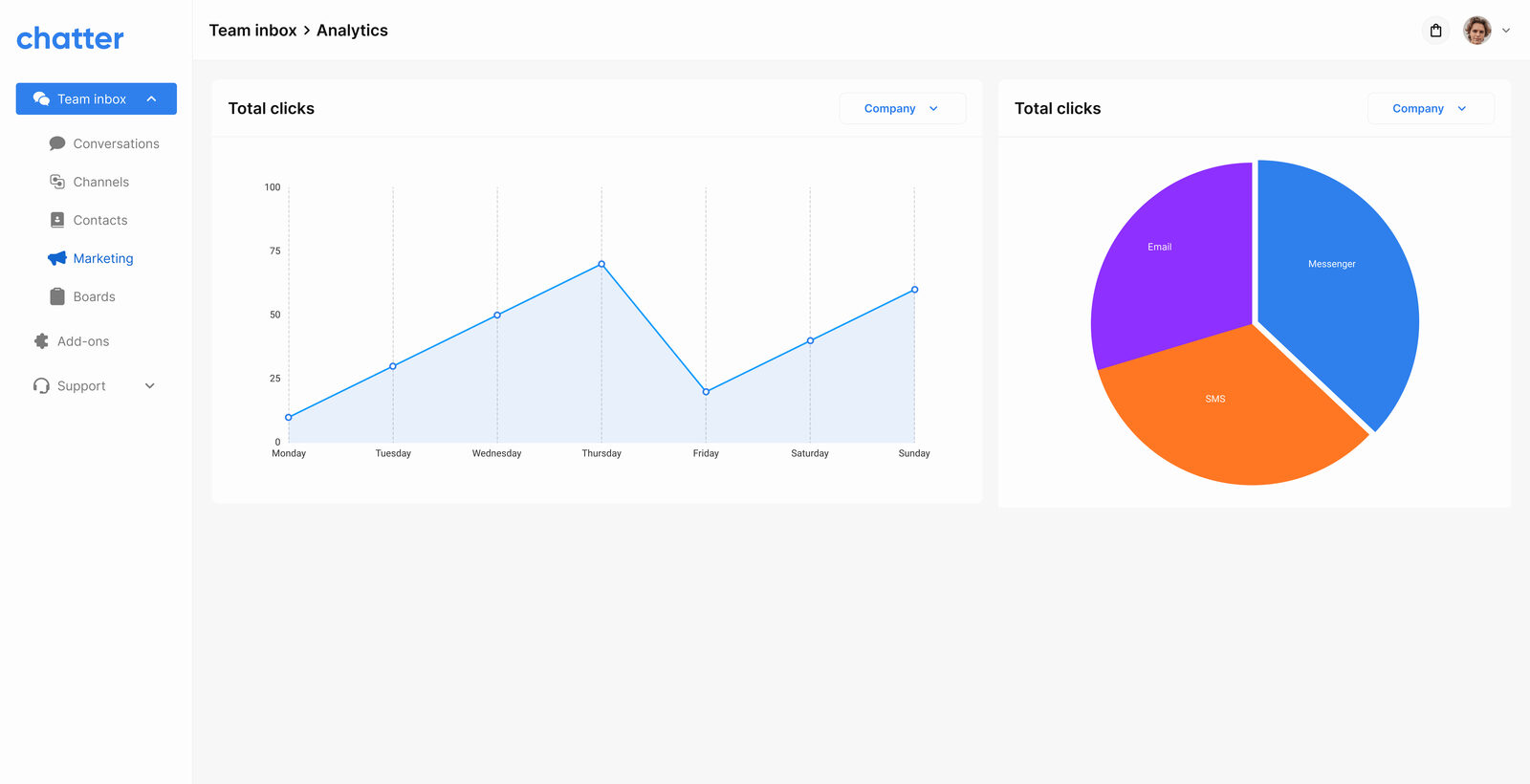
Once conversations are flowing in, they become a customer list. Marketing turns that list into outbound, engagement campaigns segmented by tag, behaviour, or conversation history. The analytics view shows performance broken down by channel: Messenger, SMS, Email.
Phase 3, Contact management
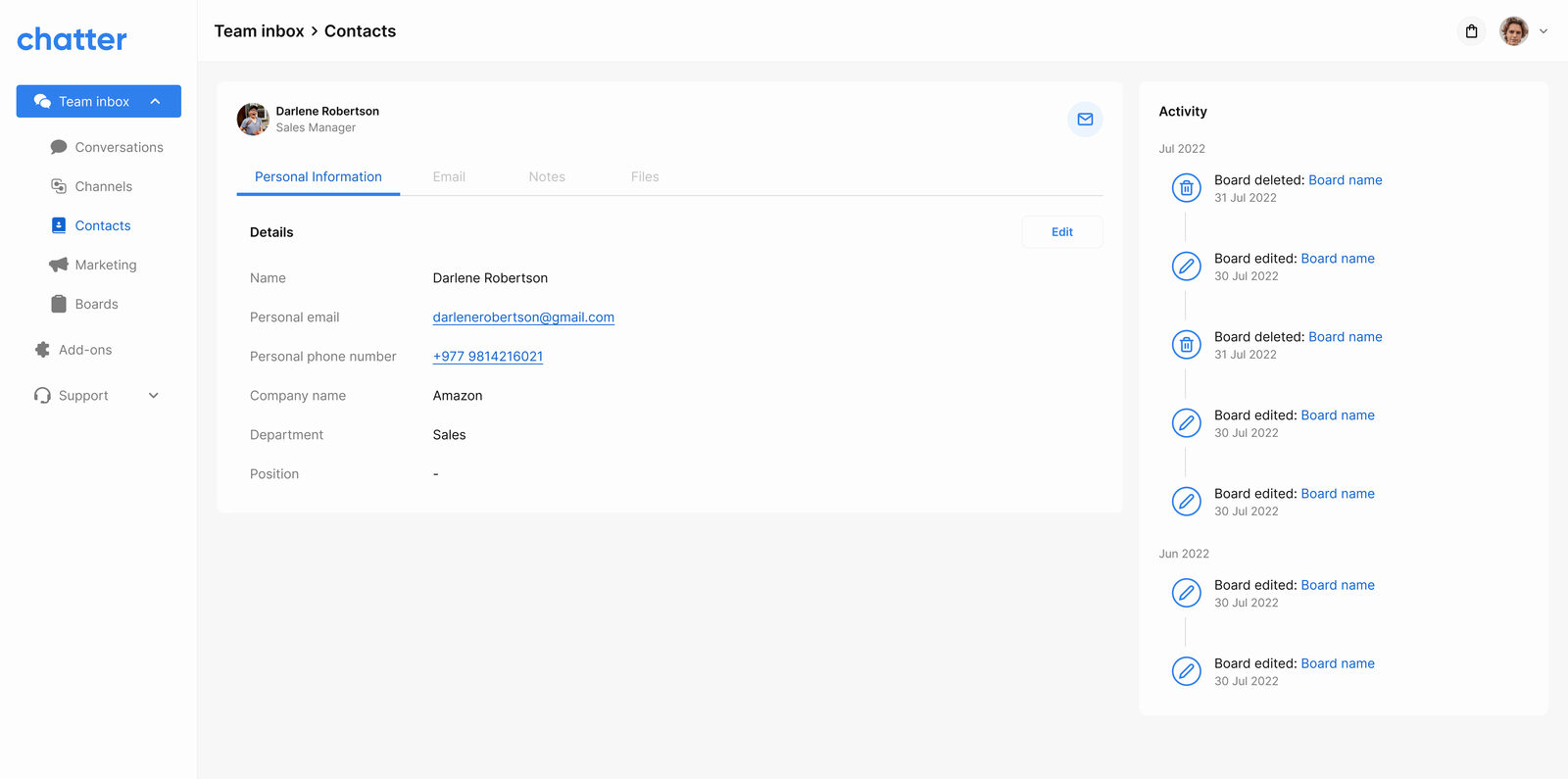
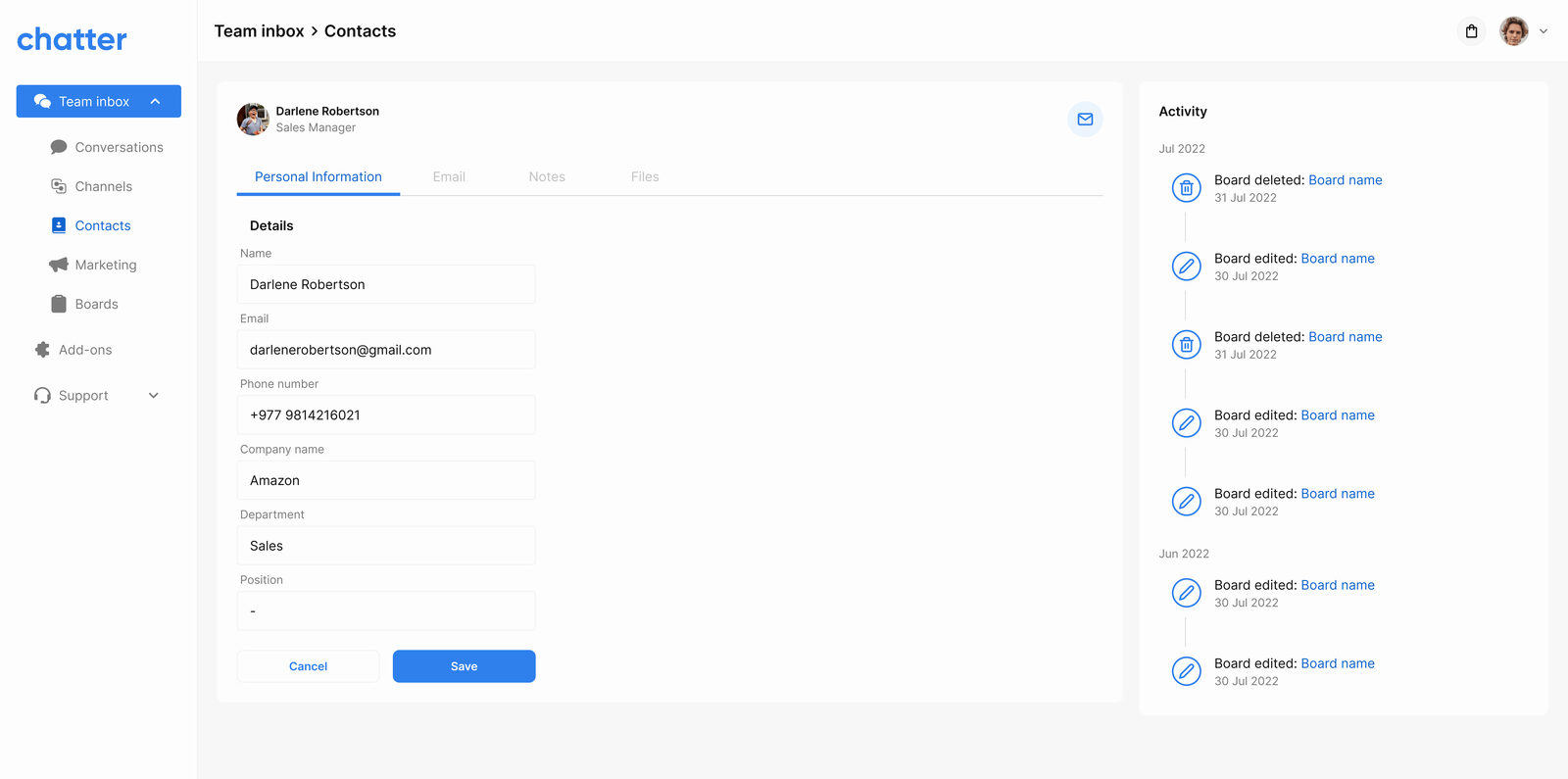
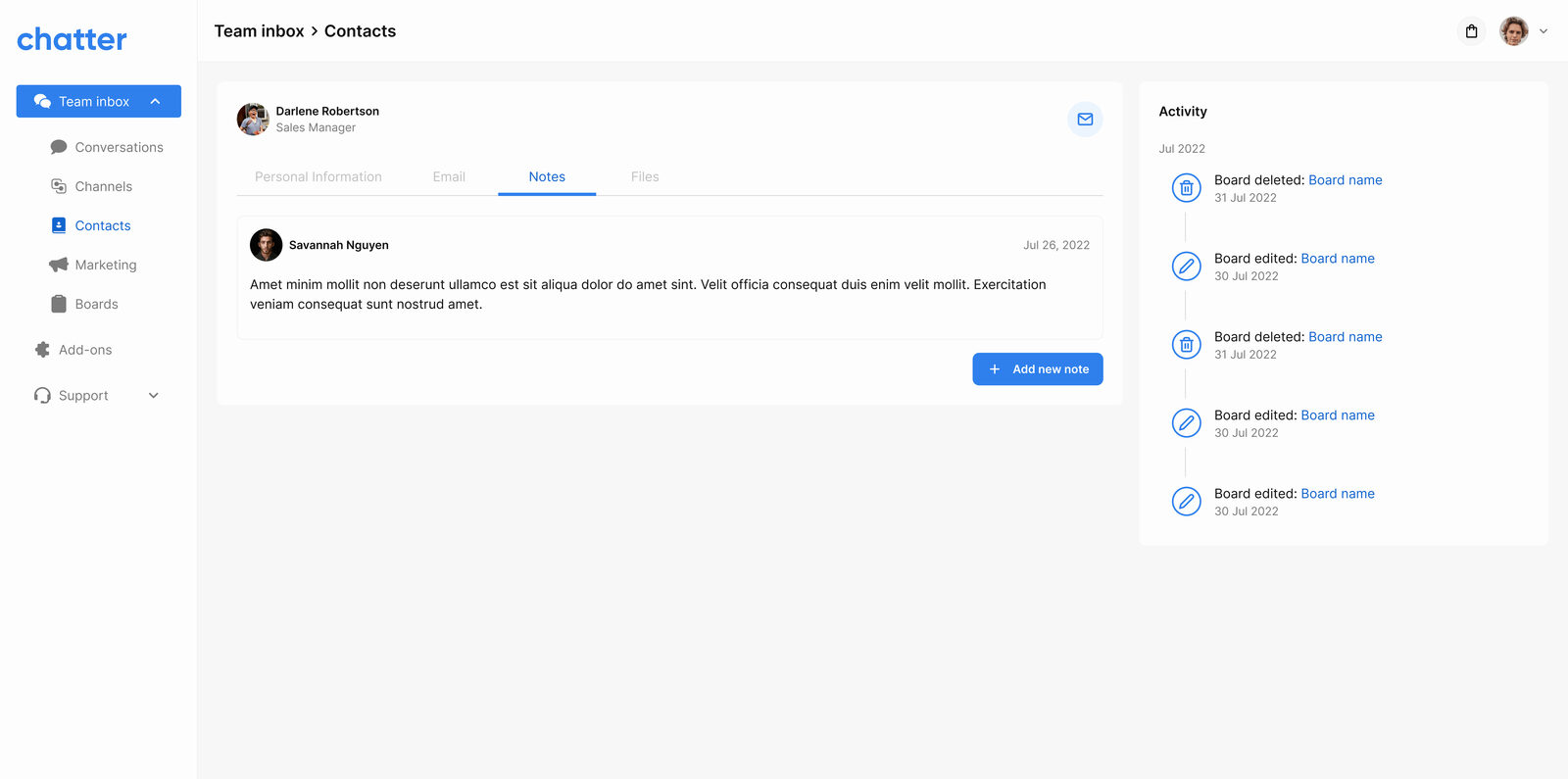
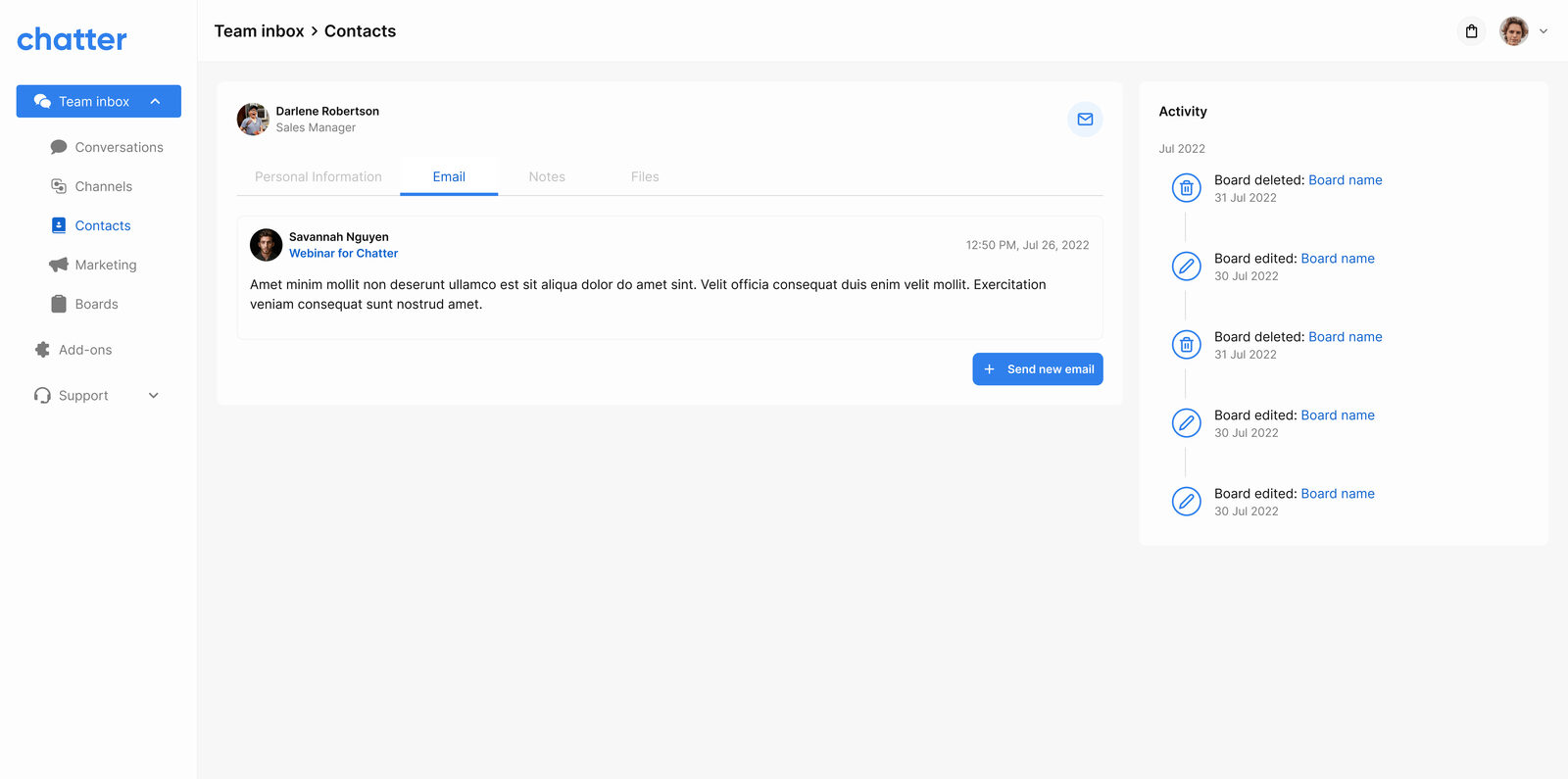
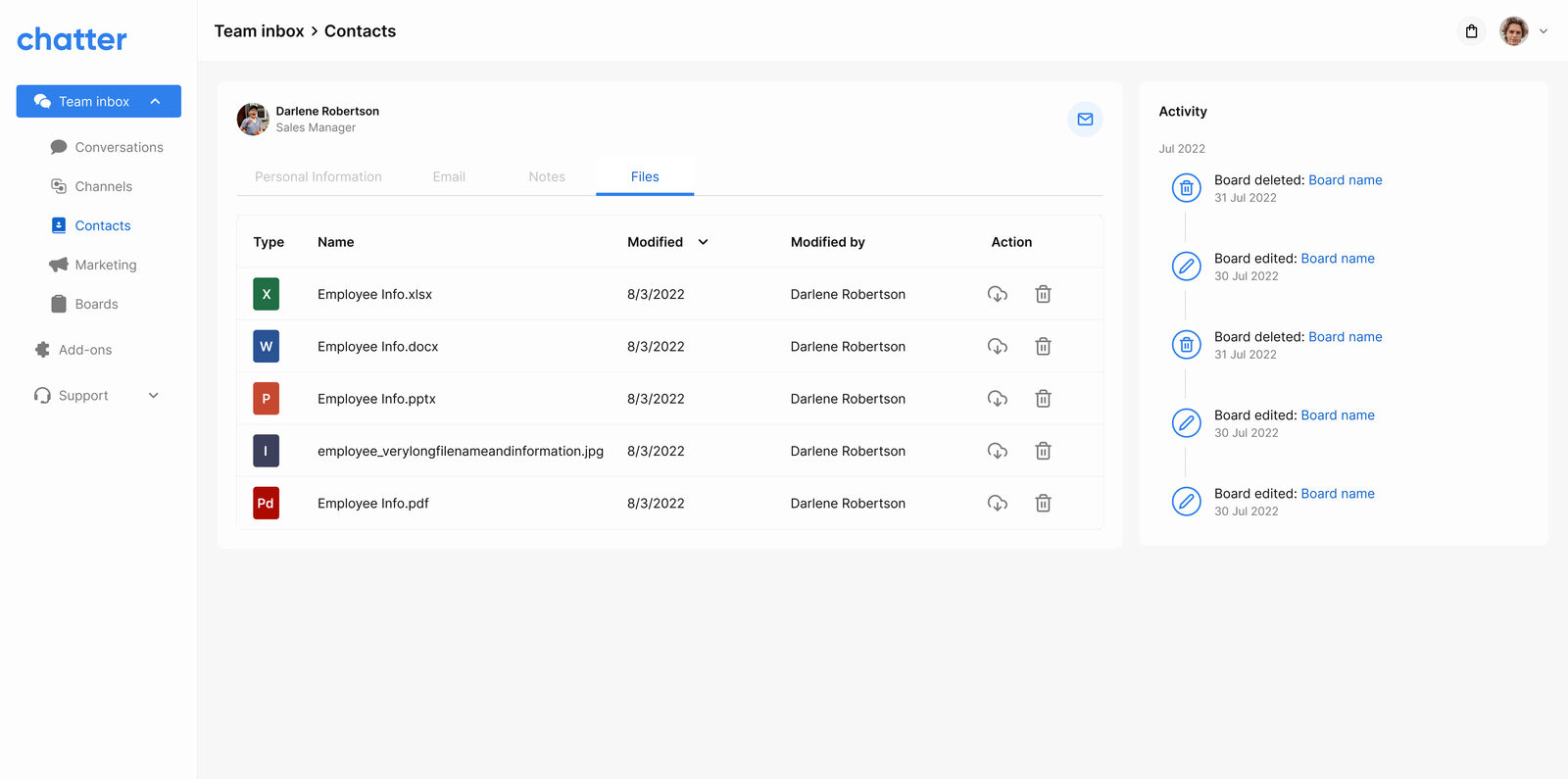
Visitors, customers, and companies all live in one filterable table with tags, segments, and primary contact channels. Clicking a row opens a full profile with personal info, conversation notes, email thread, and shared files , the audit trail a sales rep needs before picking up the phone.
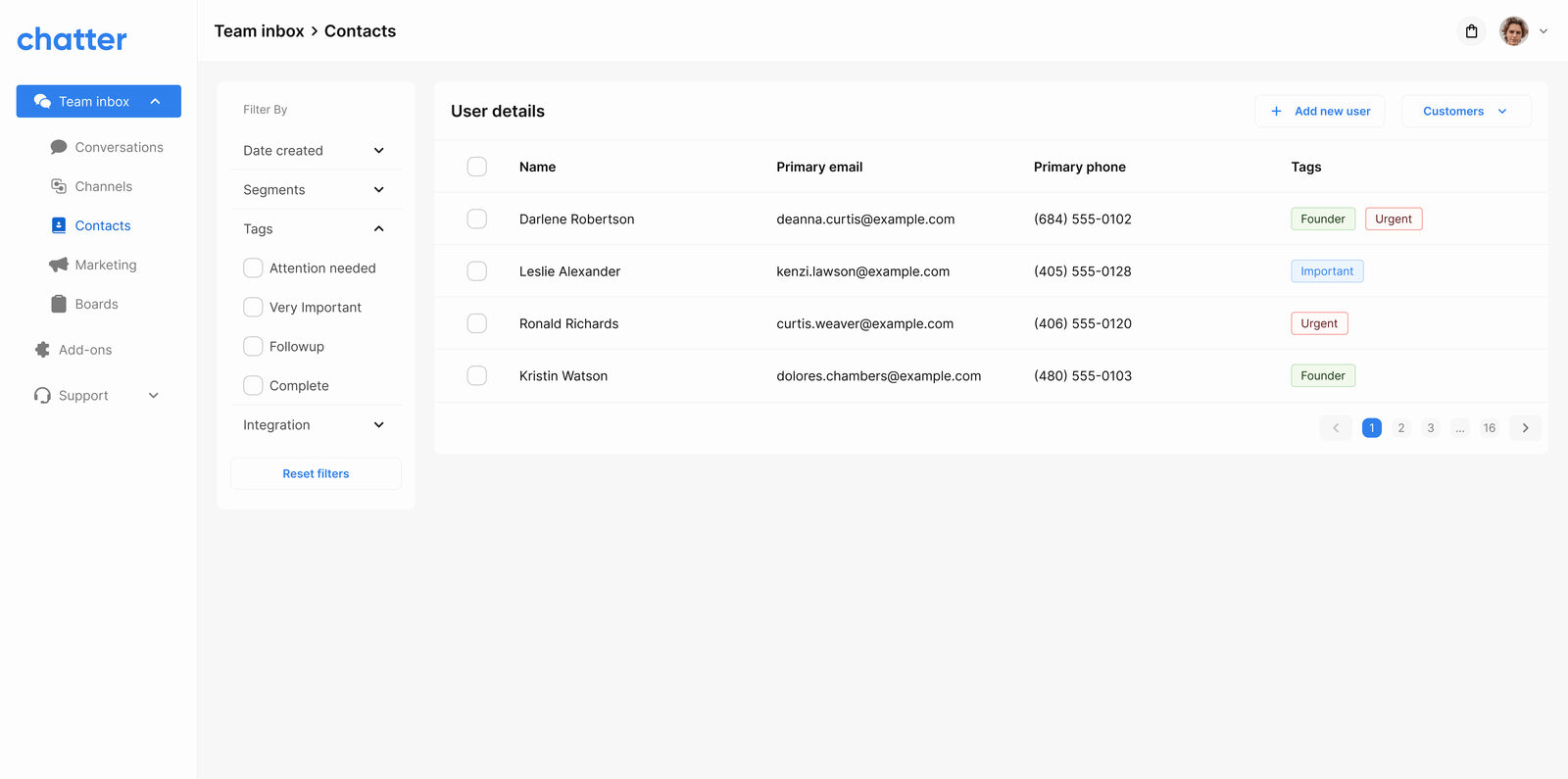
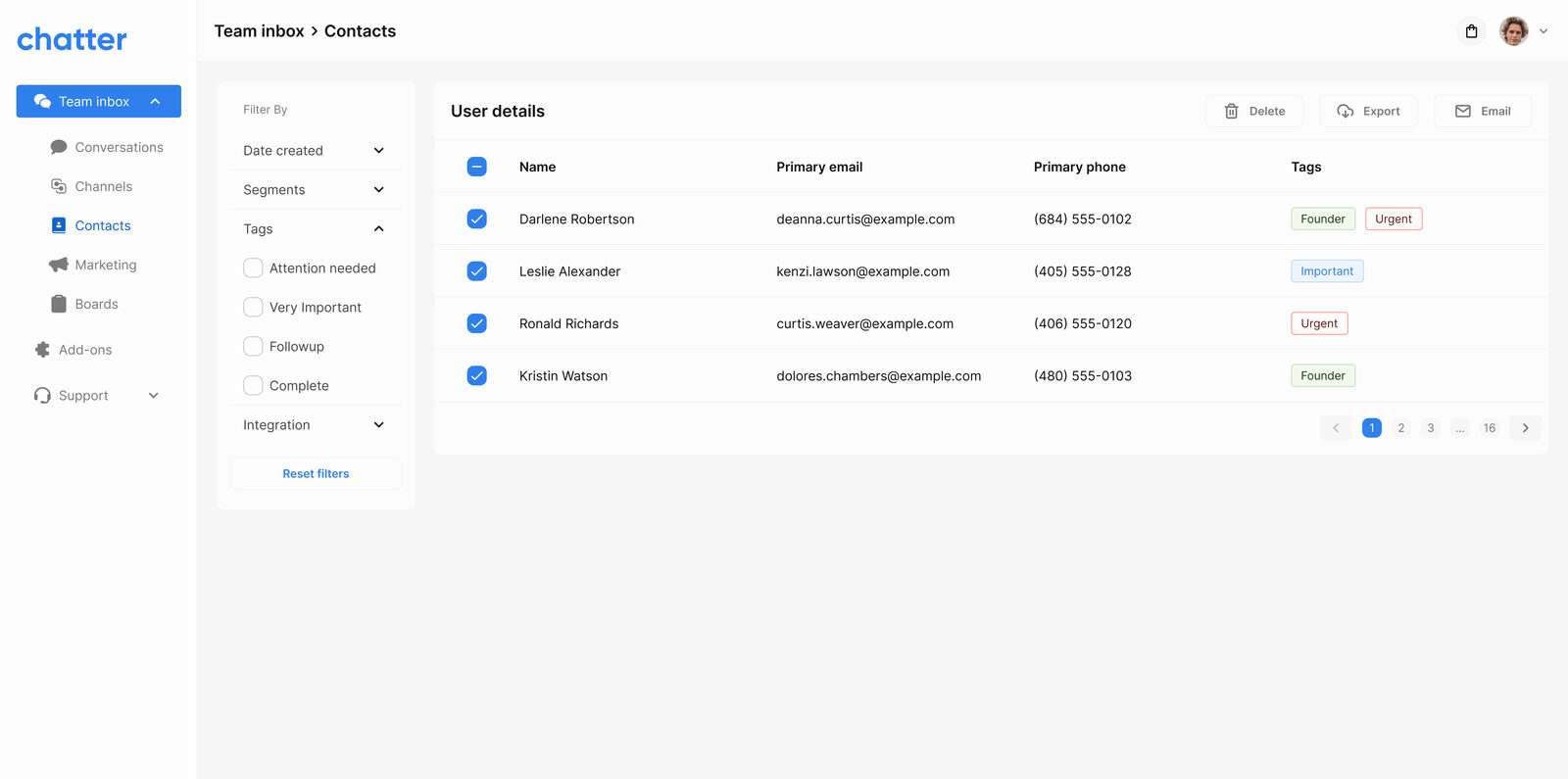
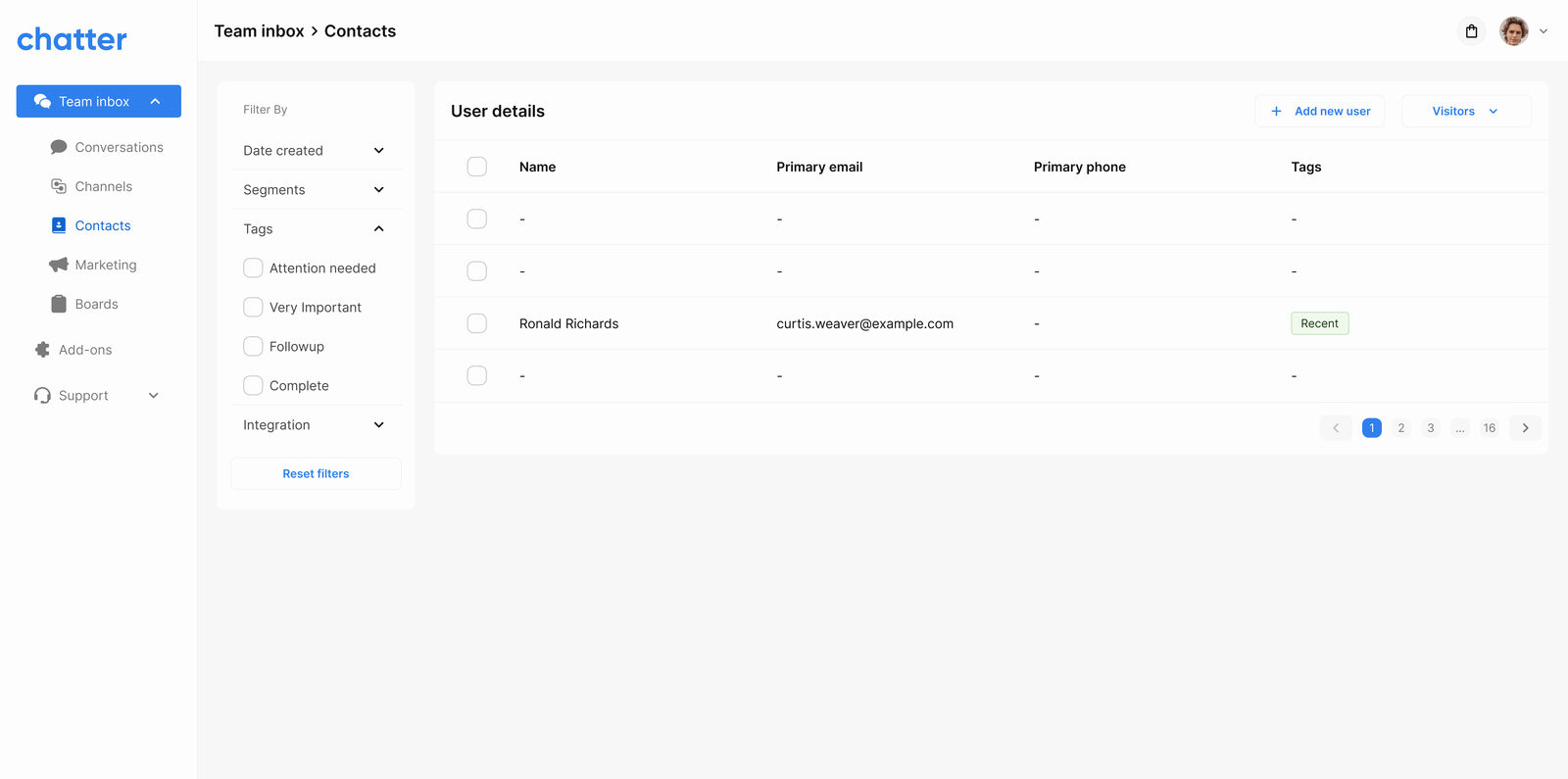
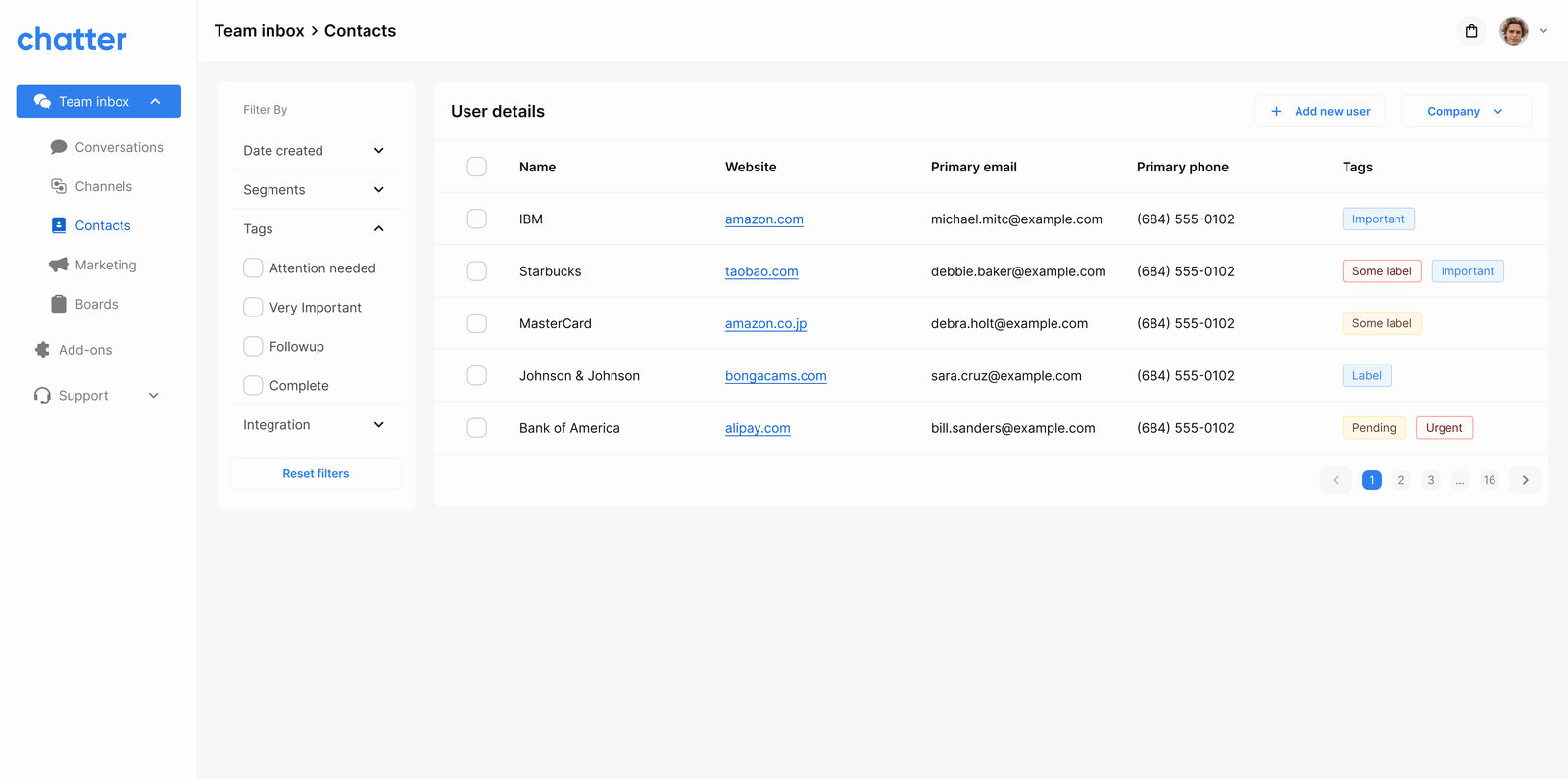
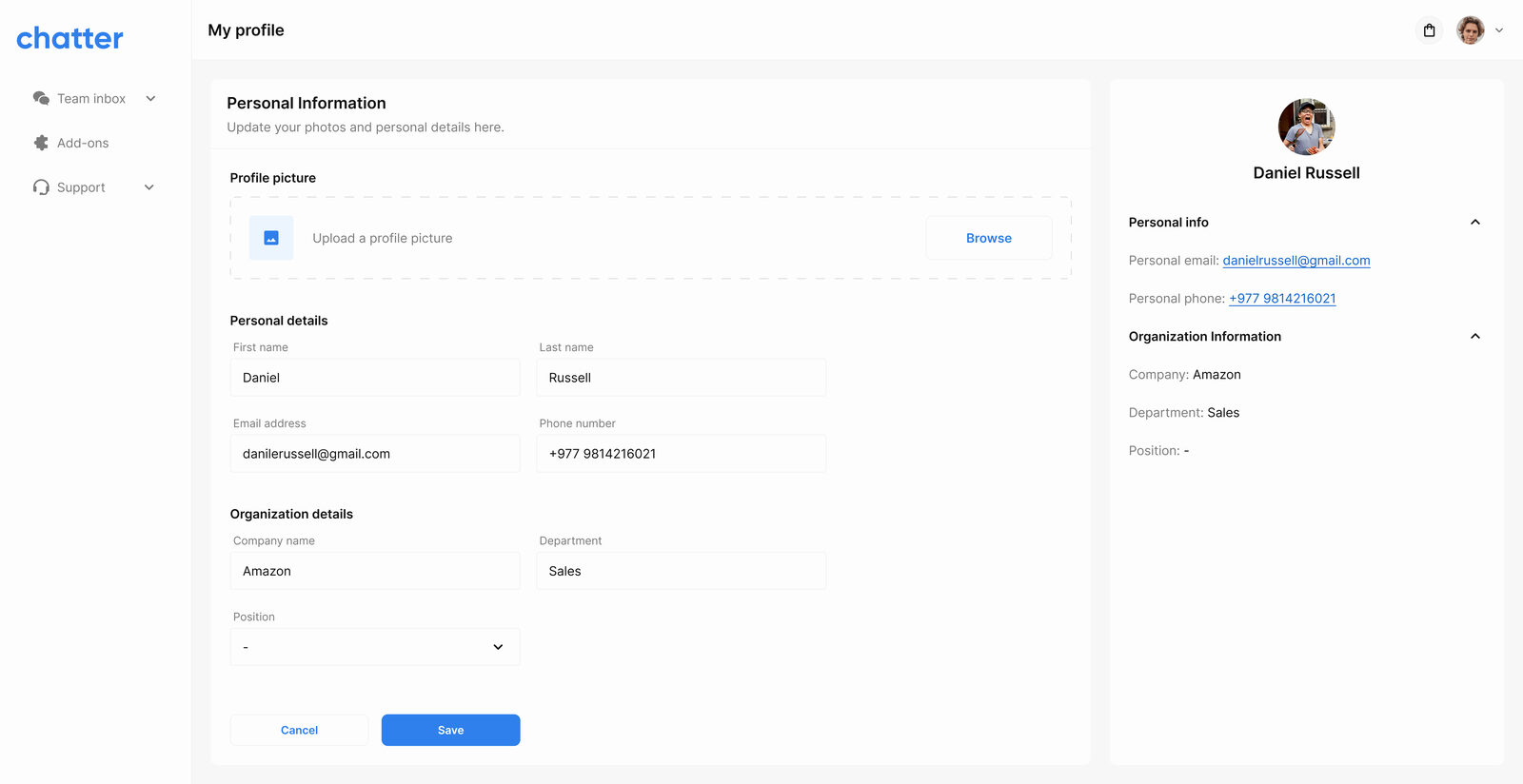
The contact detail page anchors everything: personal info, notes, email thread, and files all rendered in tabs so the rep can move between context without leaving the customer.
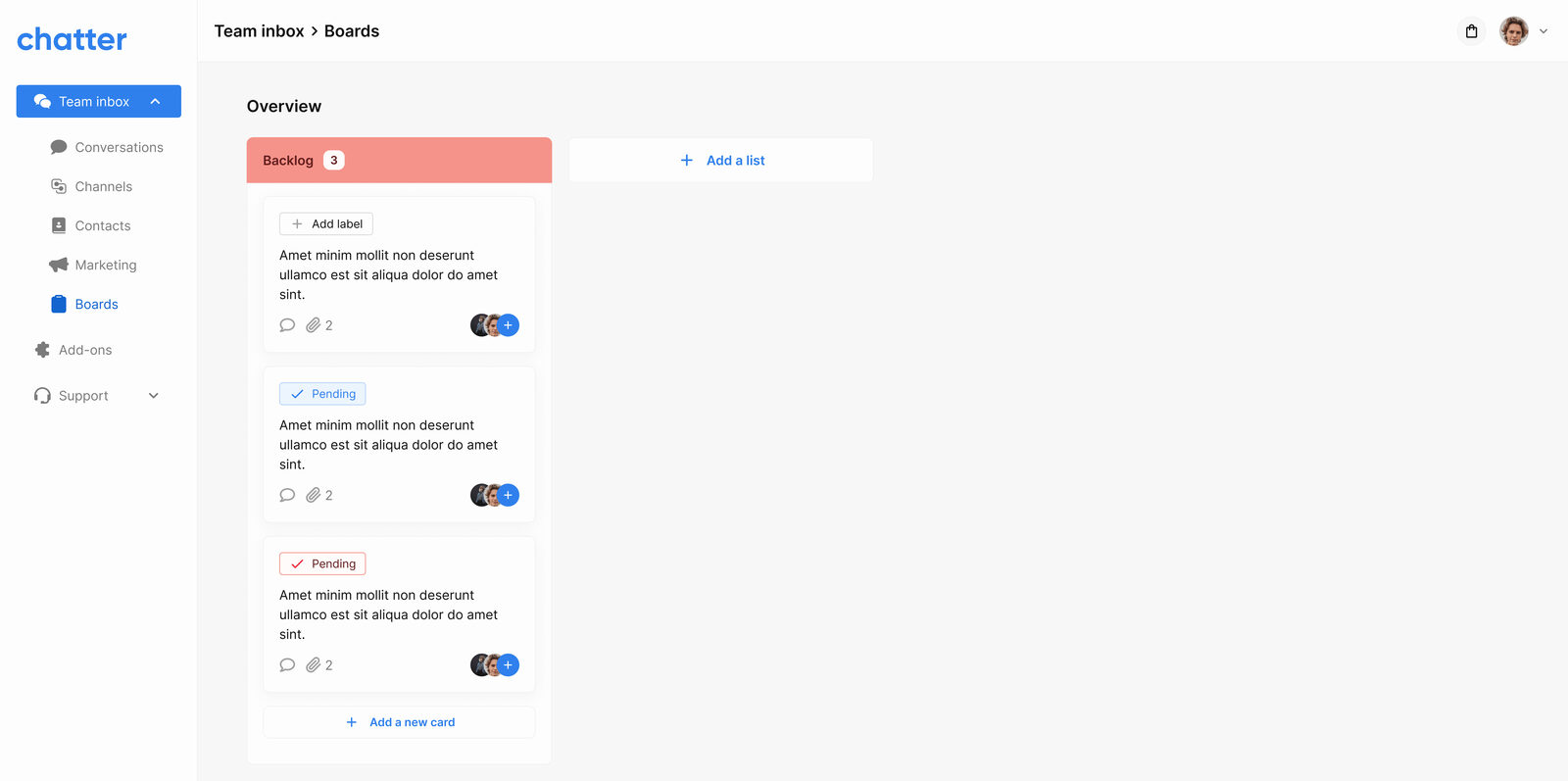
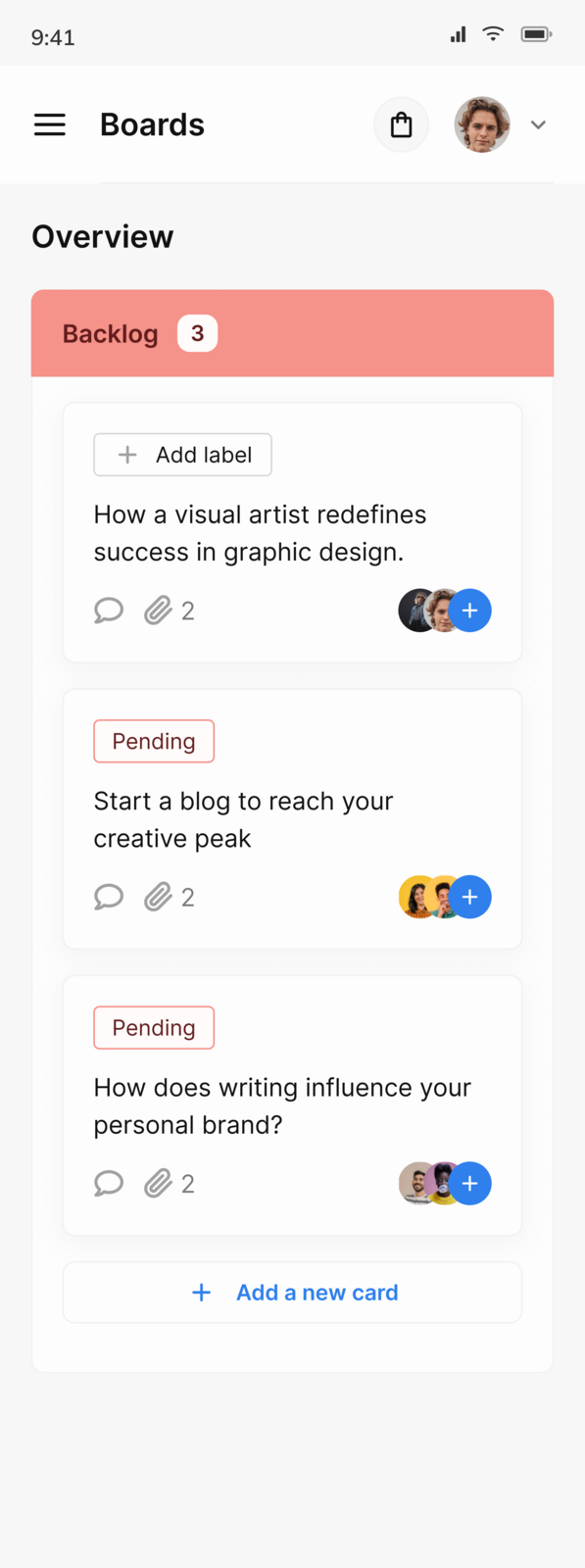
Phase 4, Boards: pipelines & ops
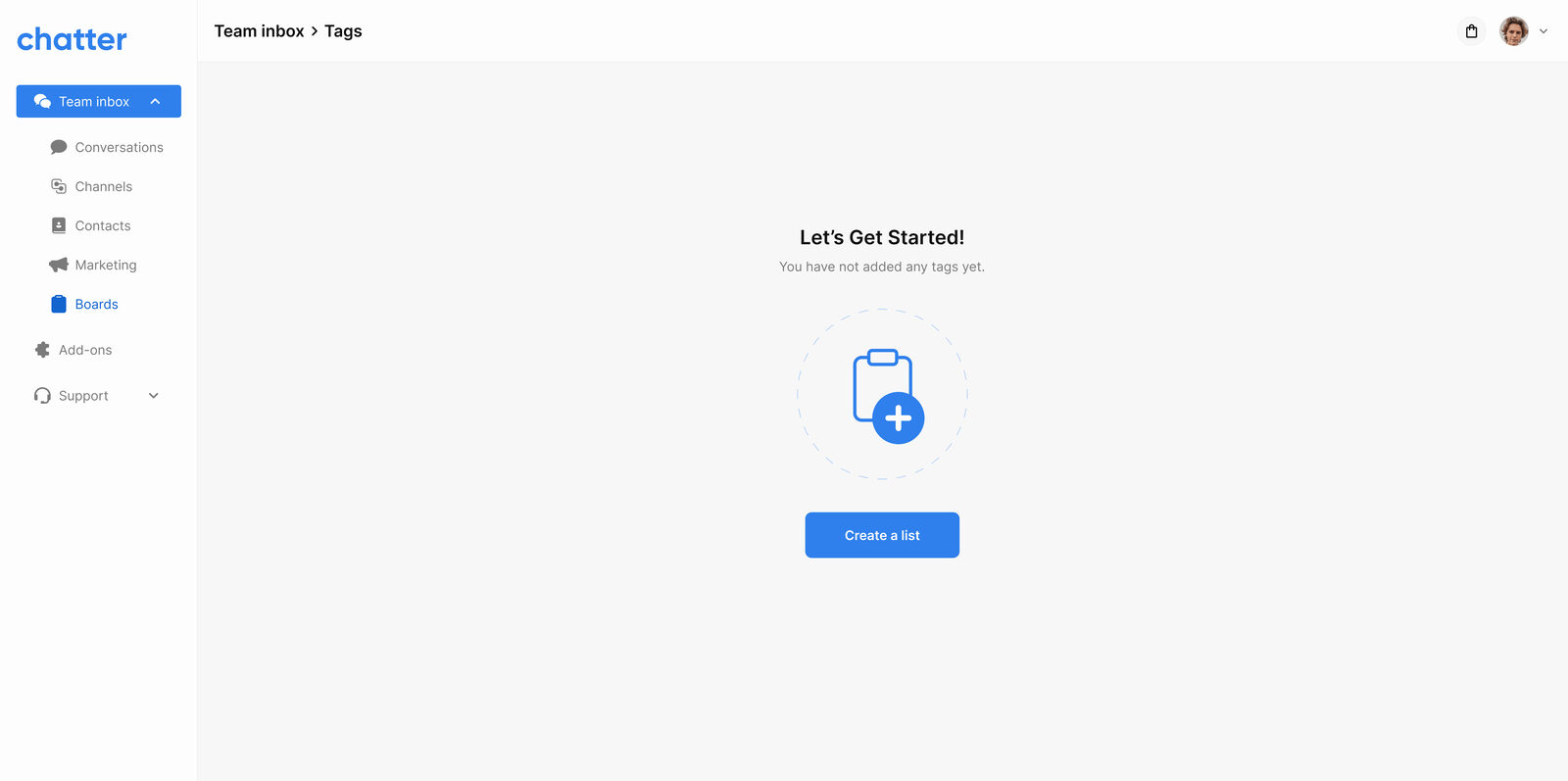
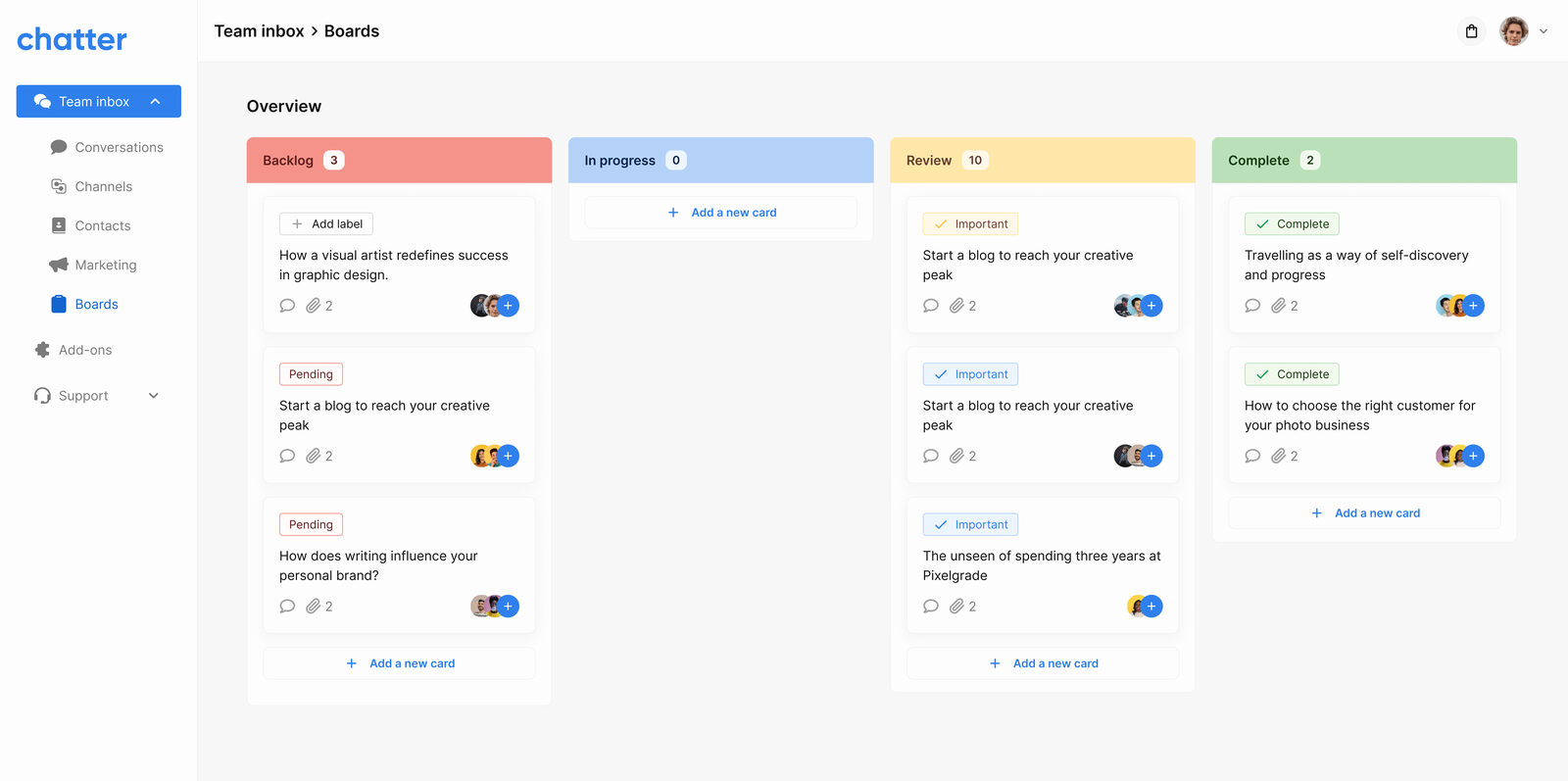
Boards are where engagement becomes pipeline. Each conversation can be promoted onto a board, assigned to a teammate, deadlined, and tracked through stages. The same board surface backs both sales pipelines and operational task lists, so a single SMB owner doesn't have to context-switch between two products.
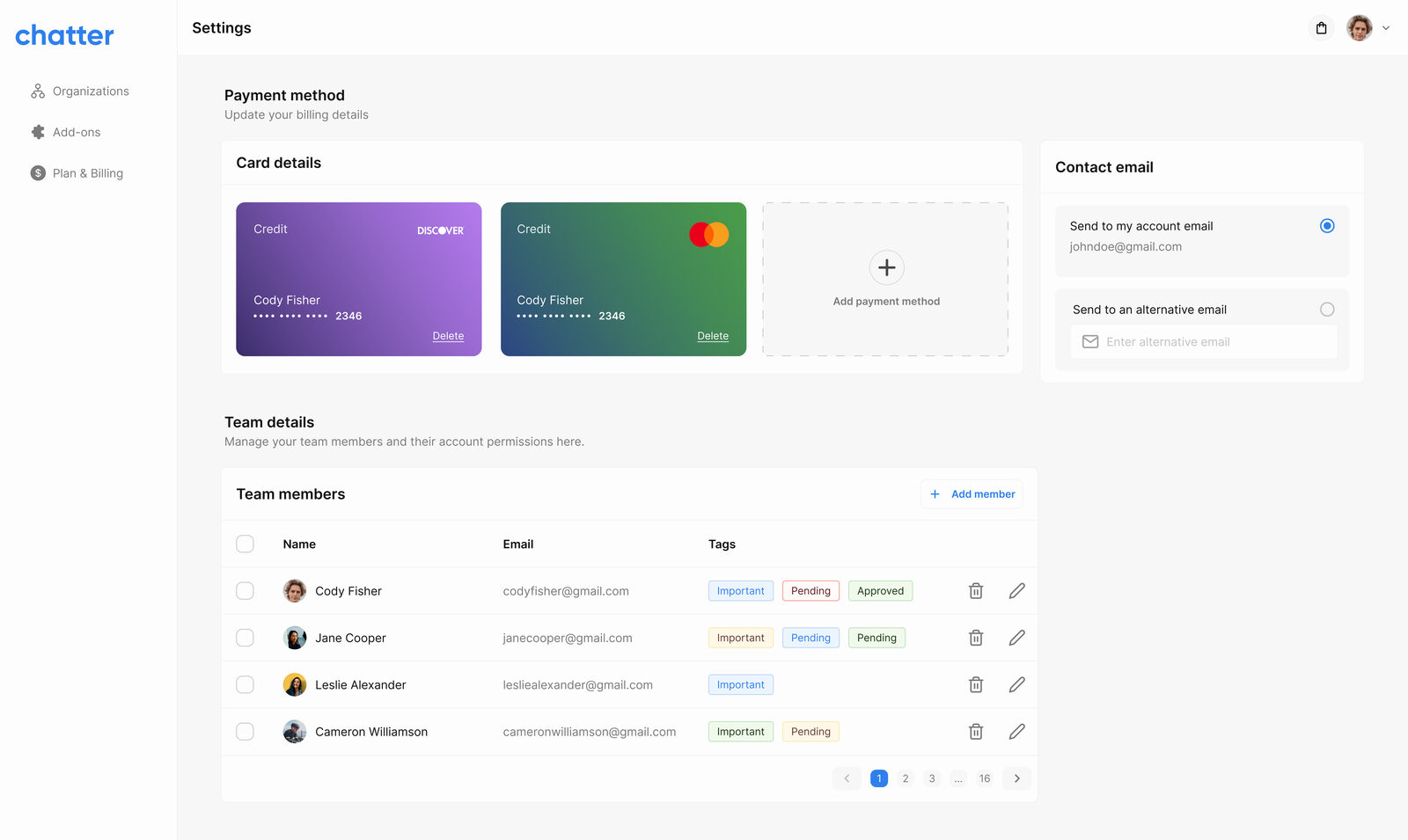
Settings & team availability
Agent availability windows, team management, integration credentials, and workspace preferences all sit in one settings surface, structured so admins can find what they need without spelunking through nested menus.
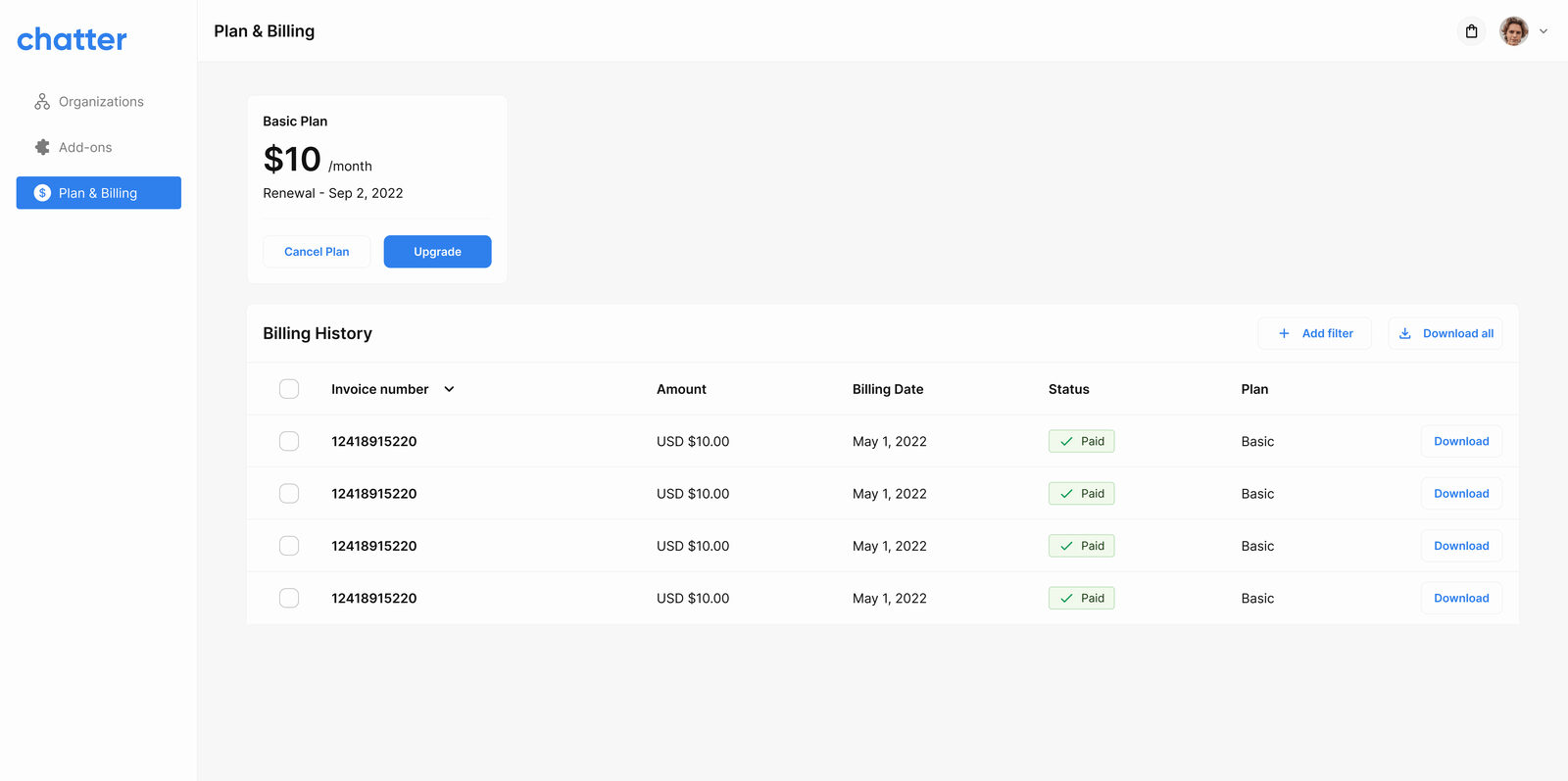
Billing, add-ons, & the marketplace
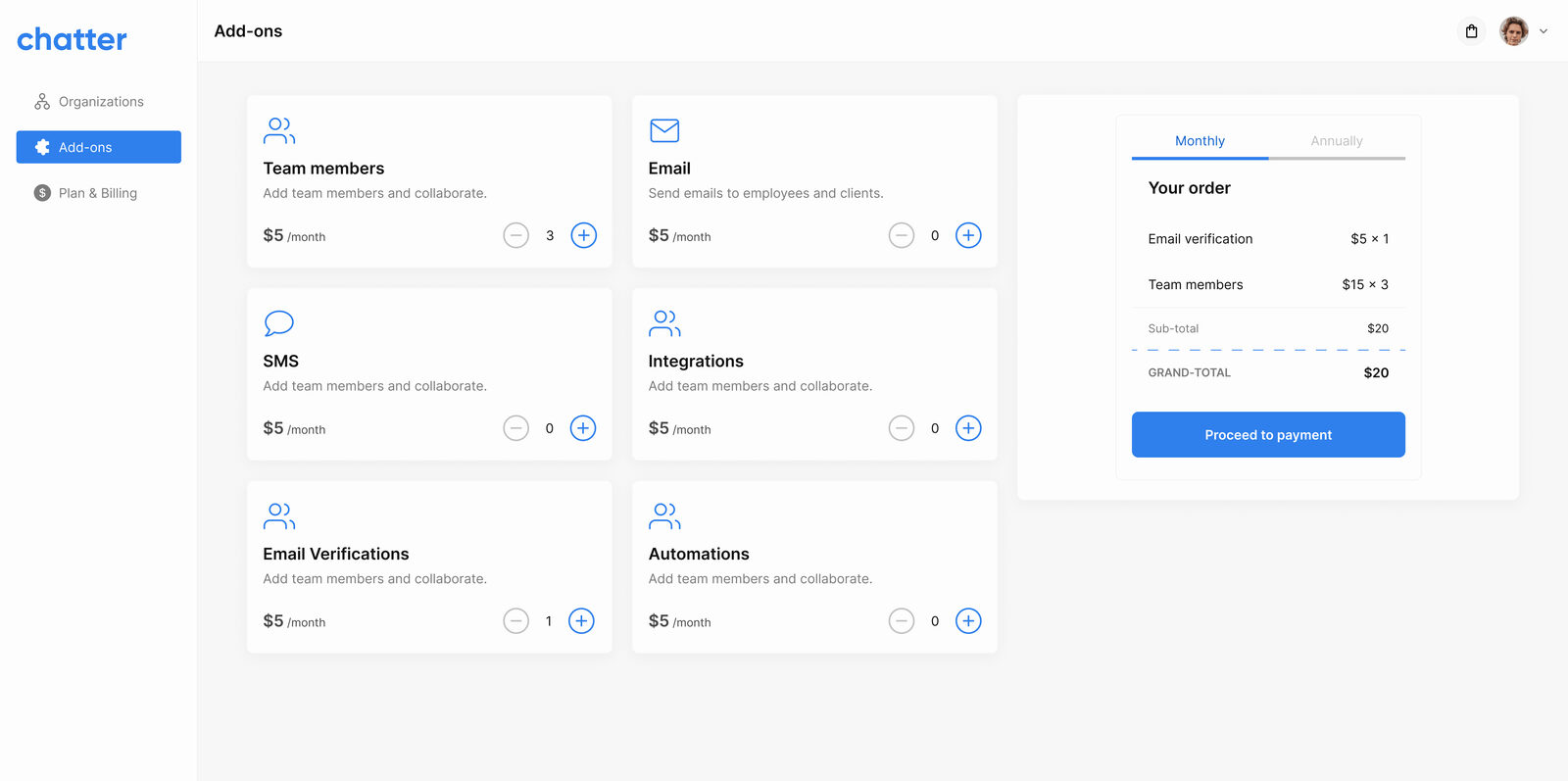
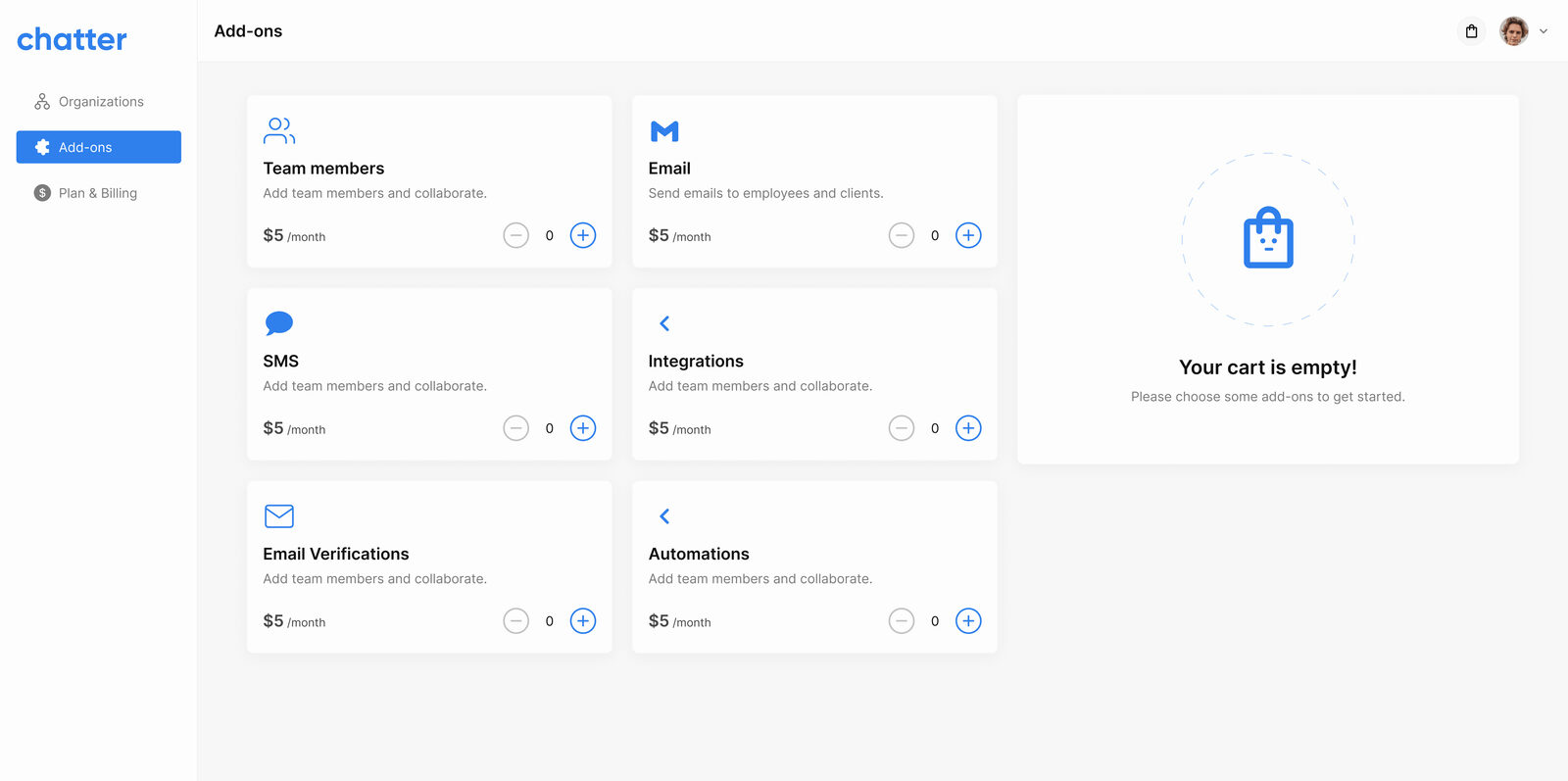
A locally priced subscription is half the pitch, the other half is optional add-ons (extra channels, automation tiers, integrations) the customer can opt into without leaving the app. The add-ons store is self-serve with a cart, so an SMB doesn't have to email sales to upgrade.
UI Design Elements
Colour
2F80ED
333333
737373
FDFDFD
Tools used

Figma for design

Notion for documentation

Icons from Google Material Design

Images from Unsplash
Outcome
I handed engineering a complete product: a sitemap covering 7 top-level areas, 45+ screens across support, marketing, sales and operations, and a four-phase build plan they could pick up sprint by sprint.
Chatter didn't launch publicly while I was at Core Software Integrated. The design was complete; the build was still in progress when I moved on. So the work was never tested with live users, and I won't claim results it didn't have.
If it launched, here's what I'd measure
- Time to first reply: does one inbox actually make teams answer faster?
- Questions solved by FAQs: how many chats end in the widget before reaching an agent?
- Setup in week one: how many new workspaces connect at least two channels without help?
What I'd take into the next project
- Define the category, don't copy one. With no incumbent to react against, the IA had to be argued from first principles. That's harder than redesigning a known product, and more formative. I'd reach for that kind of greenfield problem again.
- Phase before you design. Scoping the build into four prioritised phases before drawing a single screen kept the design grounded in what would actually ship in which sprint, instead of polishing a feature that wasn't on the near-term roadmap.
- Design the embed, not just the app. The widget is the only surface most end-customers ever see, it has to feel native to every host site it lands on. Designing for that variability forced earlier component thinking than a typical product would.